All guides
No guide matches your search.
Back up, move and reset
Save your settings in a file, load them on another computer, sync them with your browser account or start again.
On this page
These tools are in Settings, Backup and data. Use them to keep a copy of your settings, to move them to a new computer, to share one set of settings between your browsers, or to start again.
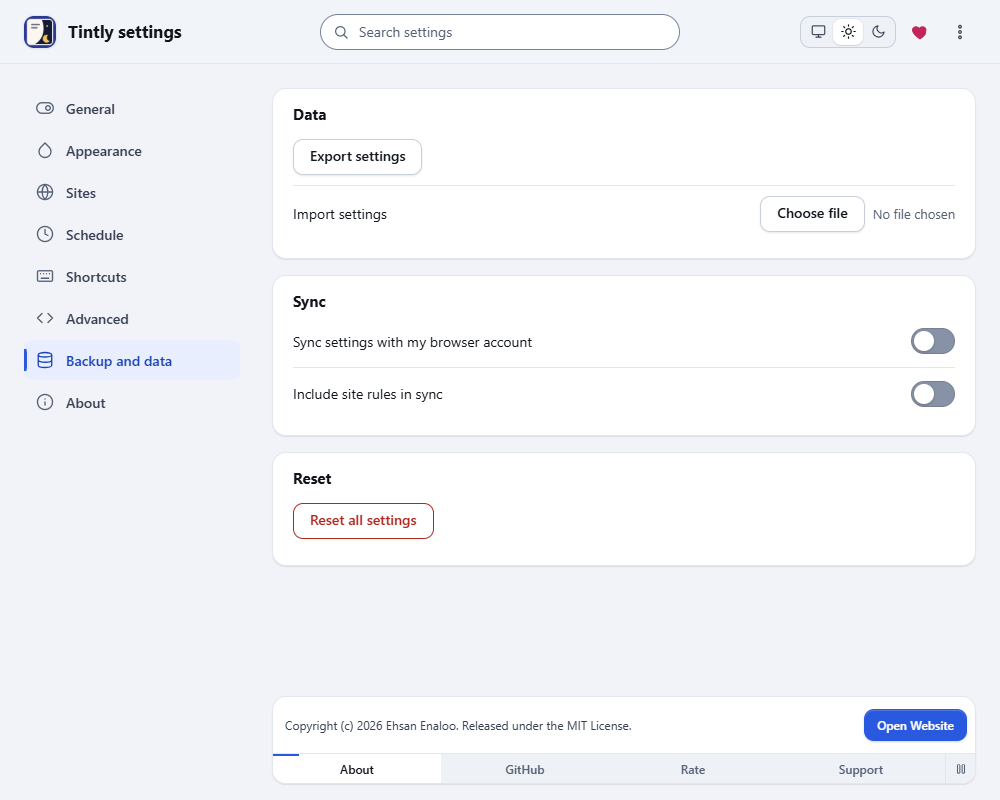
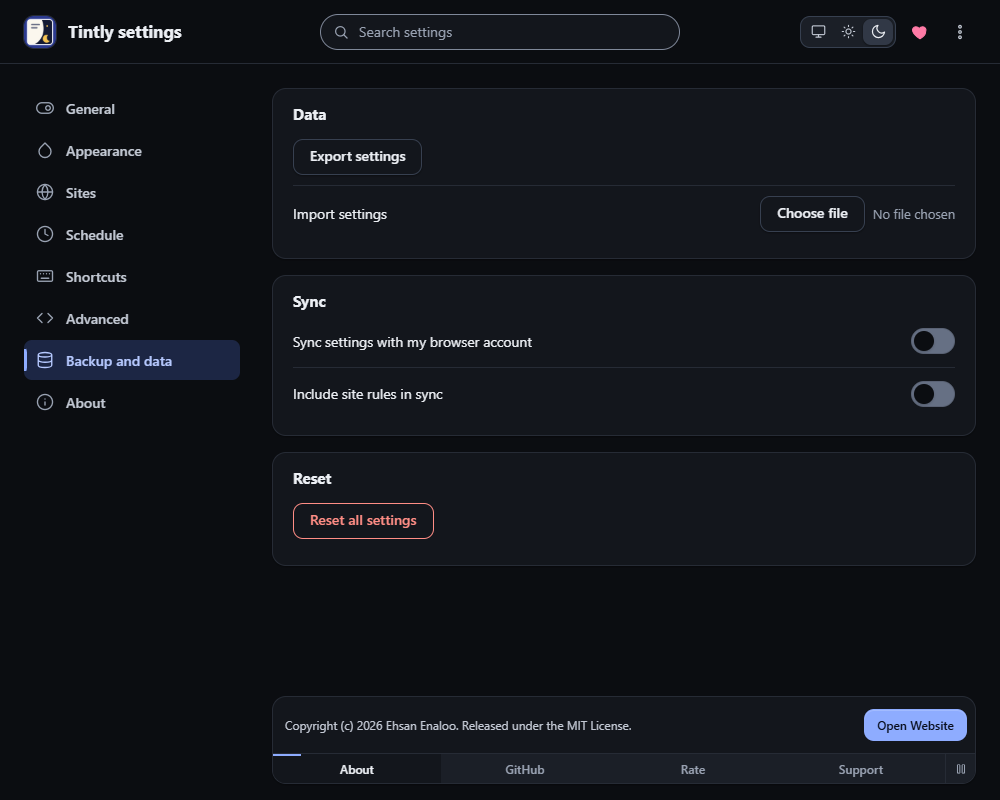
Settings, Backup and data
Export and import
- Export settings saves a file with your settings, site rules, presets and fixes. The language of the pages is not part of it.
- Import settings reads such a file. Tintly shows how many site rules, presets and fixes are in it, and tells you when it holds custom CSS. Nothing changes until you choose Apply file. Applying a file replaces your current settings.
A file that is not from Tintly, or that is too large or broken, is refused.
Custom CSS from a file stays off
CSS that comes from a file is saved but not applied. After you apply the file, a notice at the top of Settings lists each piece of CSS: the CSS for all sites, the CSS of a site rule and the CSS of a site fix. Choose Review to read the CSS, then Turn on. CSS that you typed on this computer keeps working.
Sync
Sync settings with my browser account copies your settings and presets through the sync of your browser. Include site rules in sync adds your site rules and site fixes. Both are off until you turn them on. Sync works only when you are signed in to the browser. Custom CSS that arrives from another computer stays off in the same way, until you turn it on here.
When two computers change settings, the newest copy wins. An older copy never replaces a newer one.
Use the same version everywhere
Since version 1.1.0, Tintly keeps the sync data in a new form. A computer with an older version does not sync until you update Tintly there. Update Tintly on every computer that uses sync.
Settings that are too large
Sync can hold about 50 KB of settings. When yours are larger, Tintly stops sending them and shows a notice under the switches:
Note
Your settings are too large for the Sync storage of your browser account. They are saved on this device only. Remove some site rules or custom CSS to sync again.
Your settings still work on this computer. When they fit again, sync goes on.
Sync data that cannot be read
Sometimes the sync data in your browser account is damaged. Tintly then leaves it alone and shows a notice with the button Replace with this device's settings. Press it twice to replace the sync data with the settings of this computer. Settings that exist only in the sync data are lost. You can also turn Sync settings with my browser account off instead.
If the sync data comes from a newer Tintly, the button does not replace it. Update Tintly on this computer first.
Reset
Reset all settings puts everything back to the first values, except the language and look of these pages. Press it twice. The first press asks you to confirm, and the second one resets. This cannot be undone, so export a file first.
Language and look
In Settings, General, Language and look, choose the Language and the look of these pages. Both are kept on this computer only.
Was this page helpful?