All guides
No guide matches your search.
Save a look as a preset
Save your colors, sliders and mode as a preset, apply it from the toolbar window, rename it, export it to a file or delete it and undo the delete.
On this page
A preset is a saved look. It holds the theme you set up: the mode, the palette and colors, the sliders and the other settings of Appearance.
Use presets to switch between looks you like with one click. For example, keep a Night reading preset with lower brightness and a Soft paper preset for long articles. A preset can also be used by a site rule, so one site always gets its own look. See Control a single site.
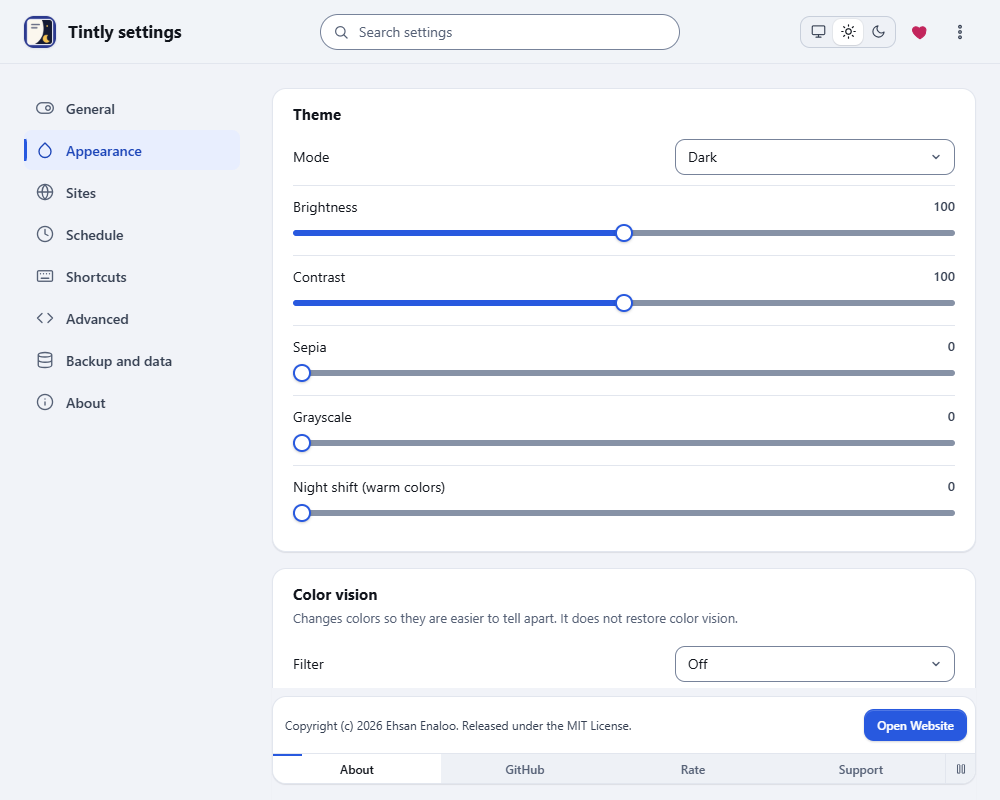
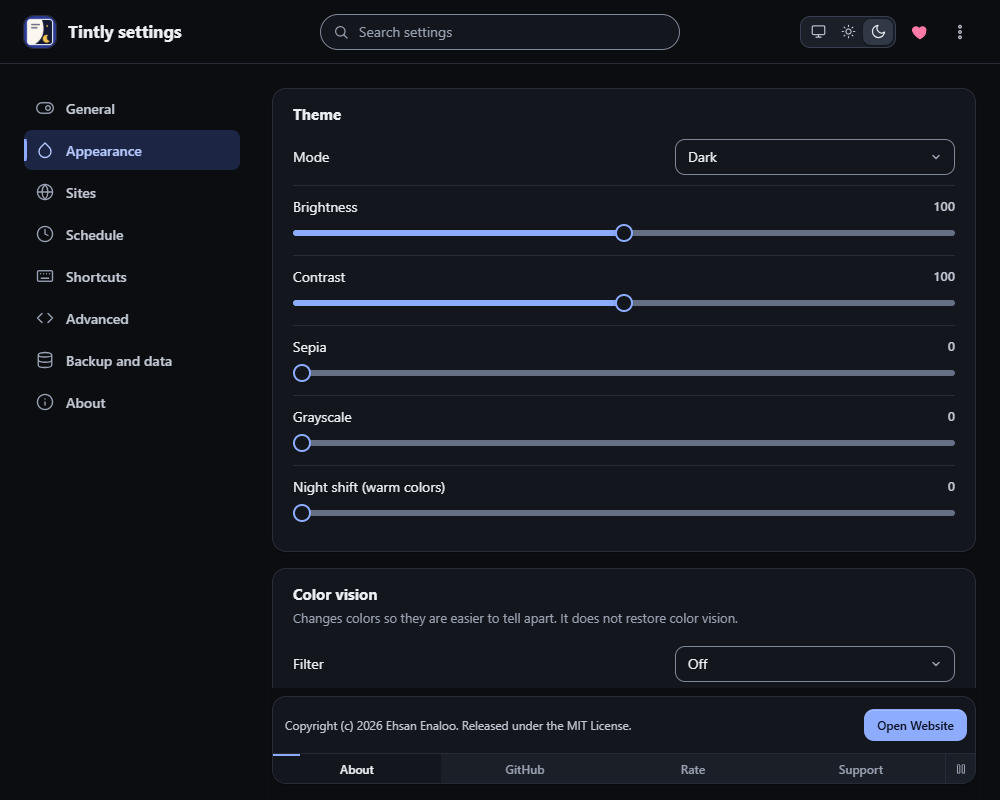
Settings, Appearance
Save a preset
- Open Settings and go to Appearance.
- Set up the look you want.
- In Presets, type a name in Preset name.
- Choose Save current theme.
Use a preset
In the toolbar window, open Presets and choose a preset. The page follows at once. In Settings, Appearance, you can also choose Apply next to a preset.
A preset replaces the theme settings. Your site rules and fixes stay as they are.
Rename, export and delete
- Rename saves the name that you typed in the name box.
- Export saves the preset as a file.
- Delete removes the preset. A message appears with Undo. Choose Undo to bring the preset back. If a preset with the same name exists again by then, nothing is restored.
Presets are also part of the settings file that you export in Backup and data. See Back up, move and reset.
Was this page helpful?