All guides
No guide matches your search.
Use the dark theme of a site
Many sites have a dark theme of their own. Tintly can switch it on, check the result and fall back to its own colors when the theme is not good enough.
On this page
Some sites show a dark page when your system is dark. When a page has such a theme, Tintly can use it instead of coloring every color itself. The colors then stay the ones the site chose.
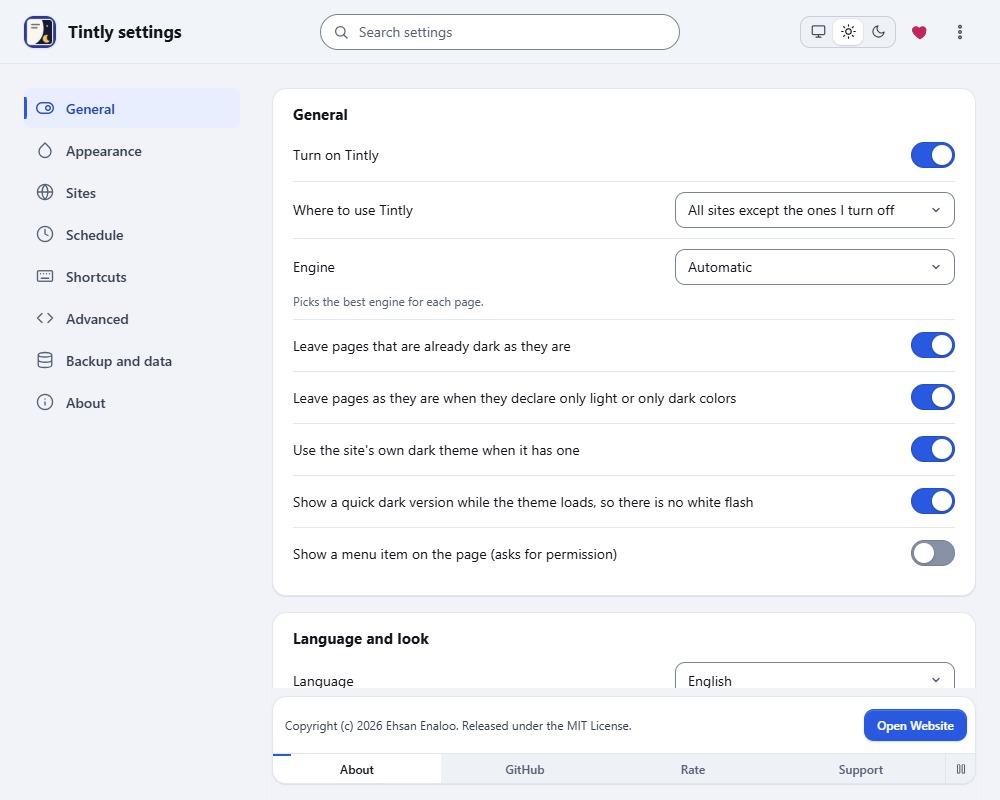
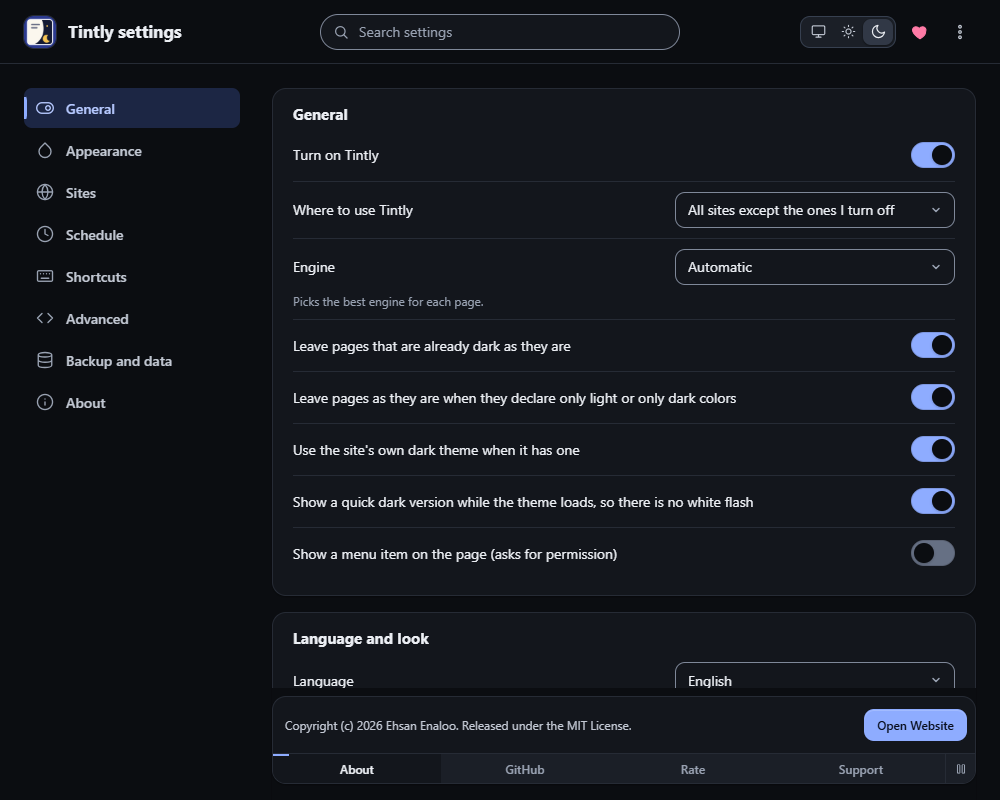
Settings, General: Use the site's own dark theme when it has one
When it works
The switch Use the site's own dark theme when it has one is in Settings, General. It works in the dark mode with the Dynamic engine. It does nothing in the Light, Paper and E-ink modes.
Tintly turns the site's dark rules on and looks at the result. It keeps the theme only when the page is dark and its text is easy to read. If not, it turns the site's theme off and uses its own colors. You see no light flash in between.
Some parts of a page stay light even in the site's theme, for example a section with a white background written in the style sheet. Tintly makes those parts dark in the same way it does on any other page.
What the toolbar window says
When Tintly uses the theme of a site, the toolbar window says This site has its own dark theme.
- Choose Use Tintly's theme instead to turn the site's theme off for this site only. The window then says The site's own dark theme is off here.
- Choose Use the site's theme to turn it on again.
When you want Tintly's colors everywhere
Turn off Use the site's own dark theme when it has one in Settings, General. Tintly then colors every page itself.
If you build web pages and want to offer a theme, read Notes for site authors.
Was this page helpful?