All guides
No guide matches your search.
Permissions and why Tintly asks
Which permissions Tintly has, which are optional, what each one is for and what Tintly does not ask for. Chrome, Edge and Firefox differ a little.
On this page
Tintly changes the colors of the pages you open, so it needs access to those pages. It asks for as little else as it can.
Always on
| Permission | What it is for |
|---|---|
| Storage | To keep your settings, site rules, presets and fixes |
| Scripting | To add the color engine to the pages you open, and to put it into the tabs that are already open when you install or update Tintly or turn a site on |
| Access to all sites | To color the pages you open |
Access to all sites lets the color engine work on any page you choose. Tintly does not read what you type, your forms, your cookies or your history. It makes no request except to fetch the style sheets and pictures of the page you are on.
Optional
The two optional permissions are asked for only when you use the feature. The menu item has its own switch in Settings, General. Your browser may ask you to confirm when you turn it on.
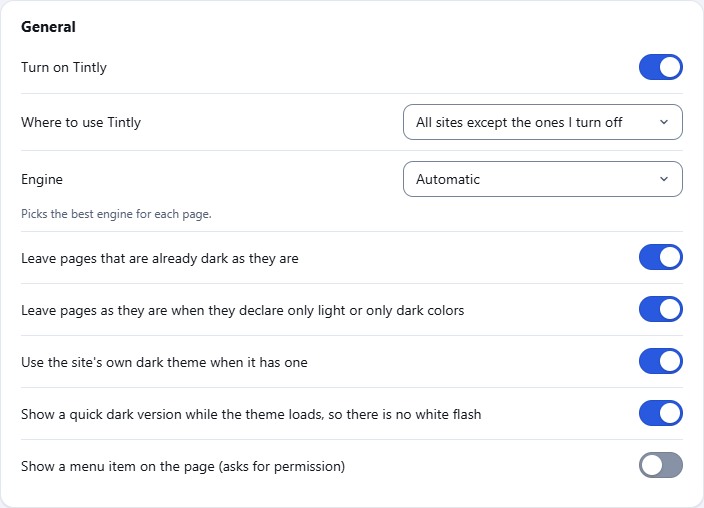
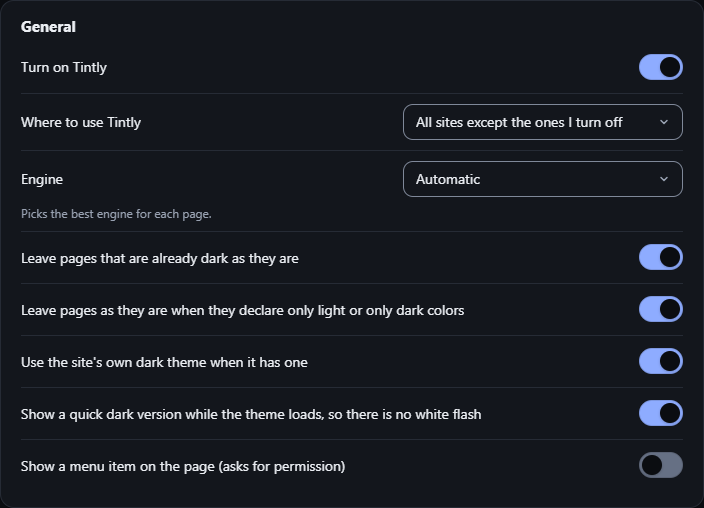
Settings, General: Show a menu item on the page (asks for permission)
| Permission | When Tintly asks |
|---|---|
| Context menu | When you turn on Show a menu item on the page in the settings |
| Alarms | When you use a schedule by hours or by sunset and sunrise, and you press Allow in Settings, Schedule |
The Allow button for alarms is in Settings, Schedule.
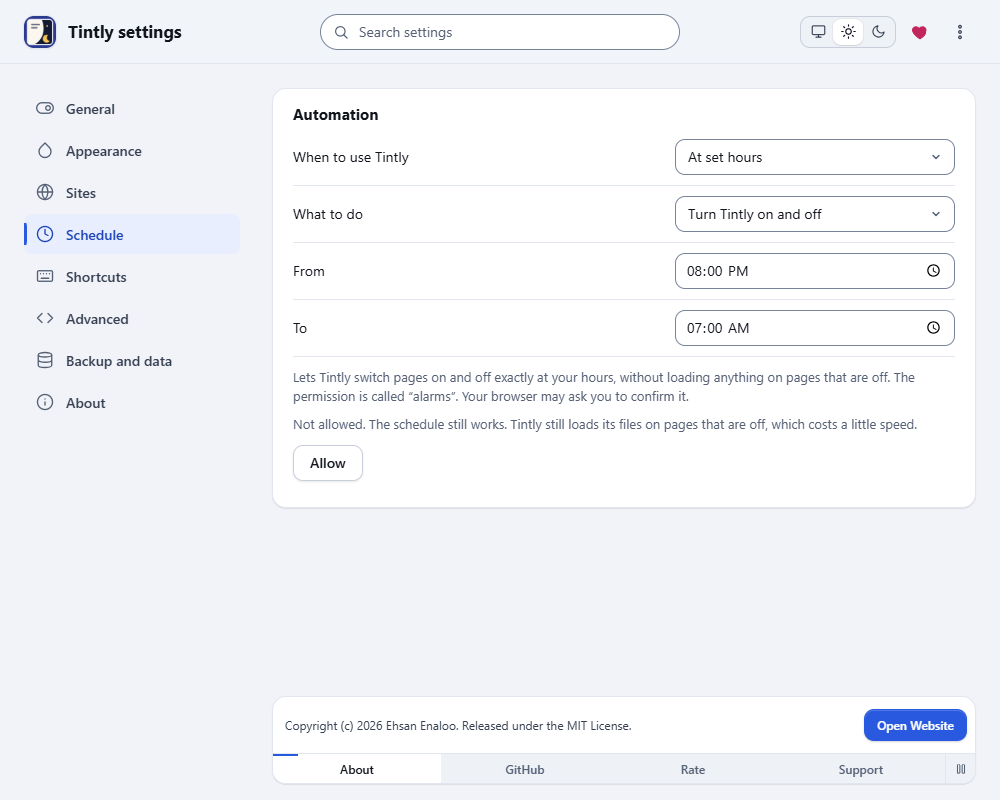
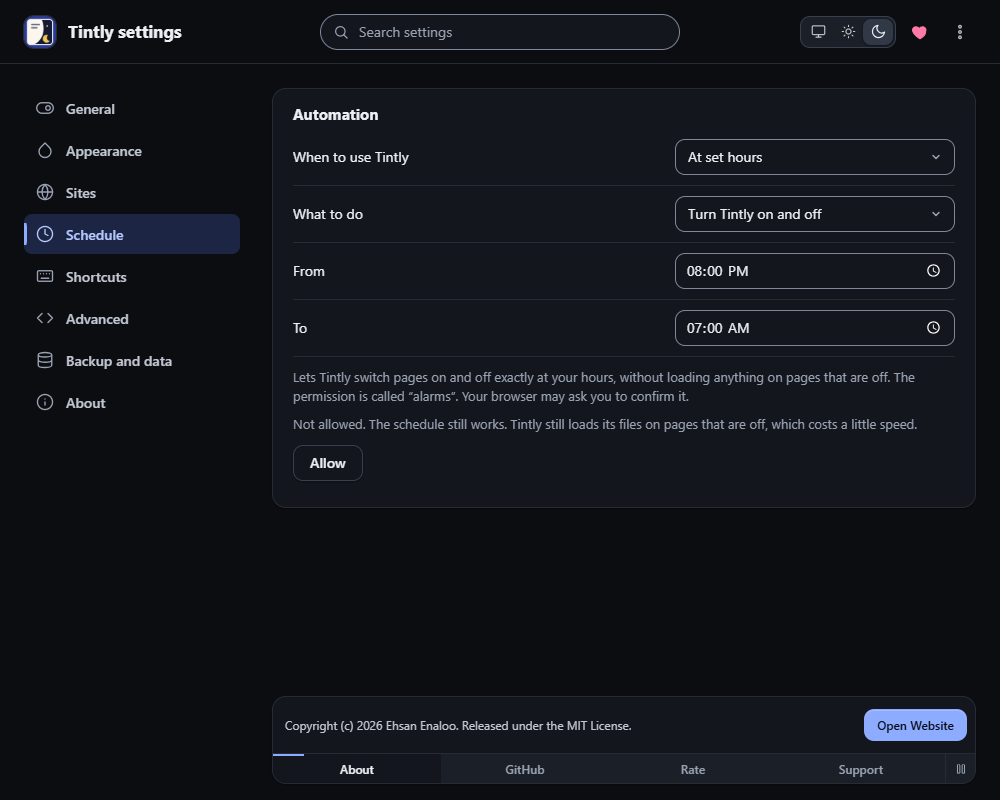
Settings, Schedule: the Allow button asks for the alarms permission
Alarms lets Tintly switch pages on and off exactly at your hours, and keeps pages that are off free of Tintly files. Without it, the schedule still works, but Tintly still loads its files on pages that are off, which costs a little speed. Remove the permission takes it back. See Use a schedule.
Firefox
In Firefox the context menu permission is called menus. Firefox cannot ask for it or for alarms later, so the Firefox package has both from the start. Neither shows a warning at install. Tintly shows the menu item only if you turn it on, and it sets alarms only when you use a schedule by hours or by sunset and sunrise.
What Tintly does not ask for
Tintly does not ask for your tabs, history, bookmarks, cookies or downloads. Read Privacy and data for what it reads, keeps and sends.
Was this page helpful?