Dark mode
Tintly نصب شد
ممنون که Tintly را امتحان کردید. آمادهی استفاده است و میتوانید این زبانه را ببندید. این نکتهها برای وقتی است که بخواهید.
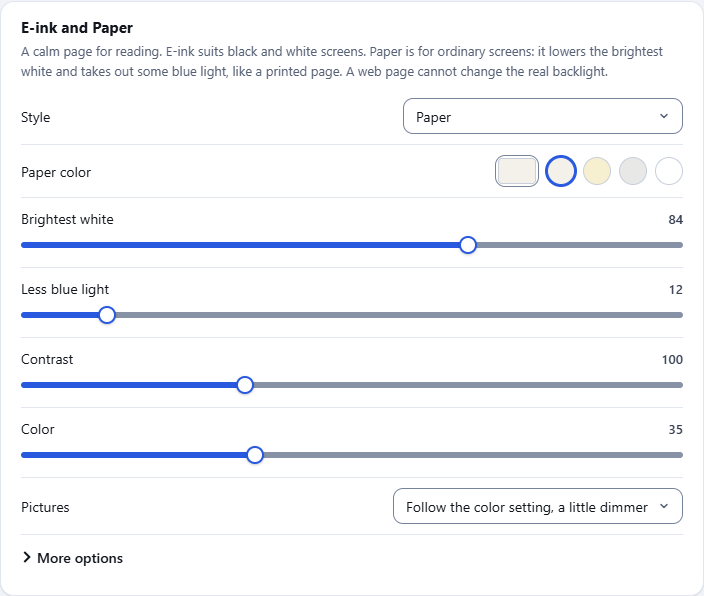
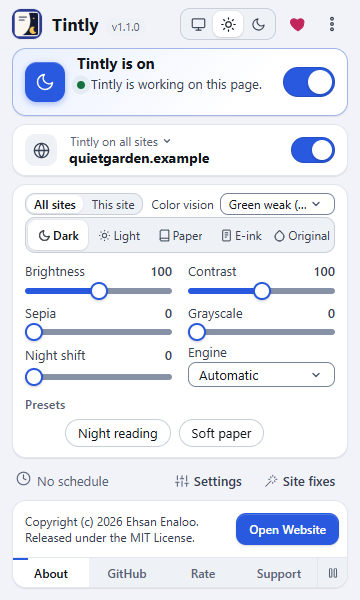
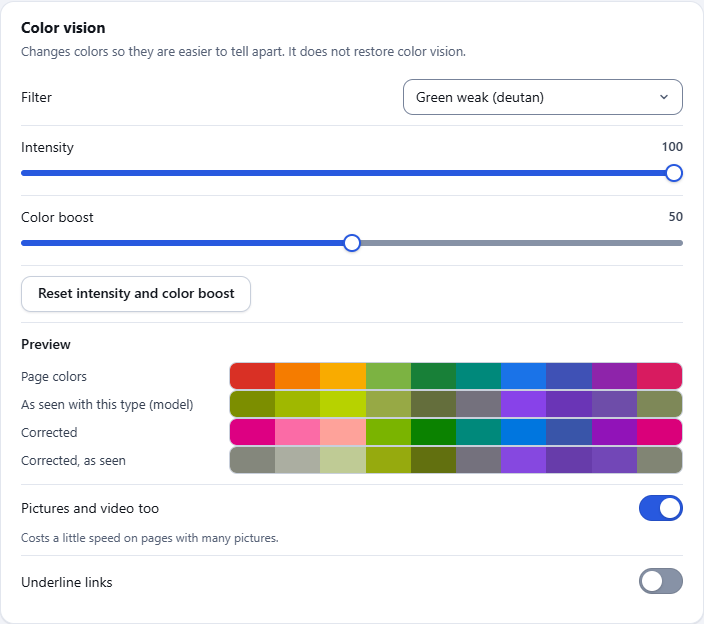
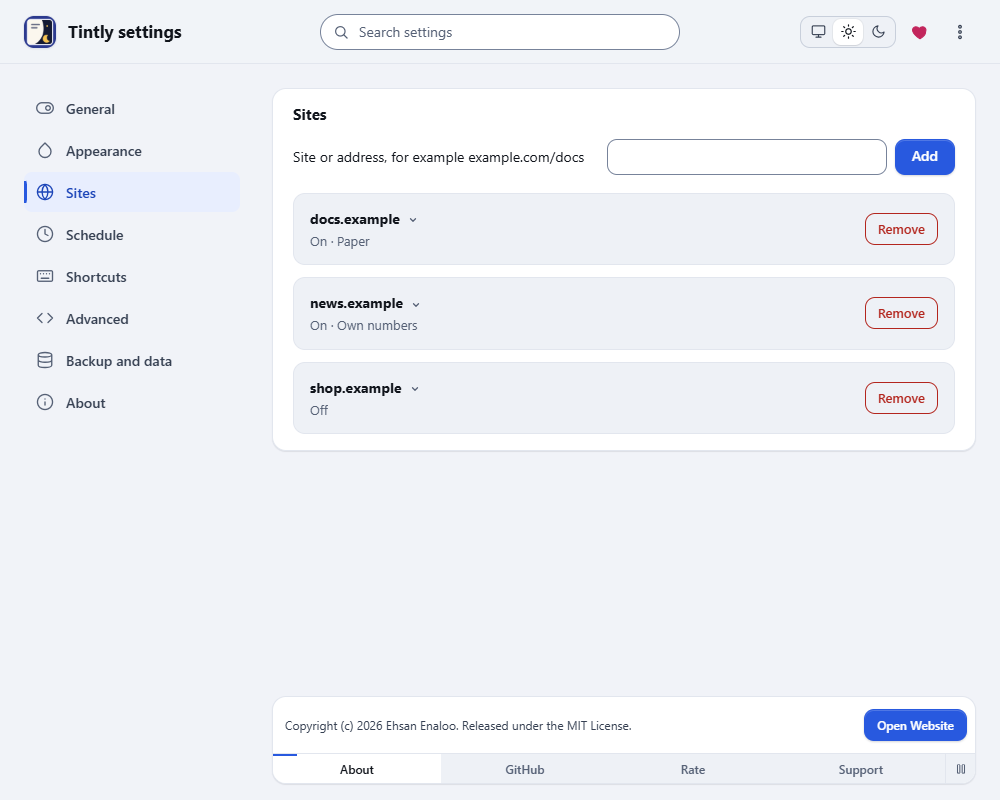
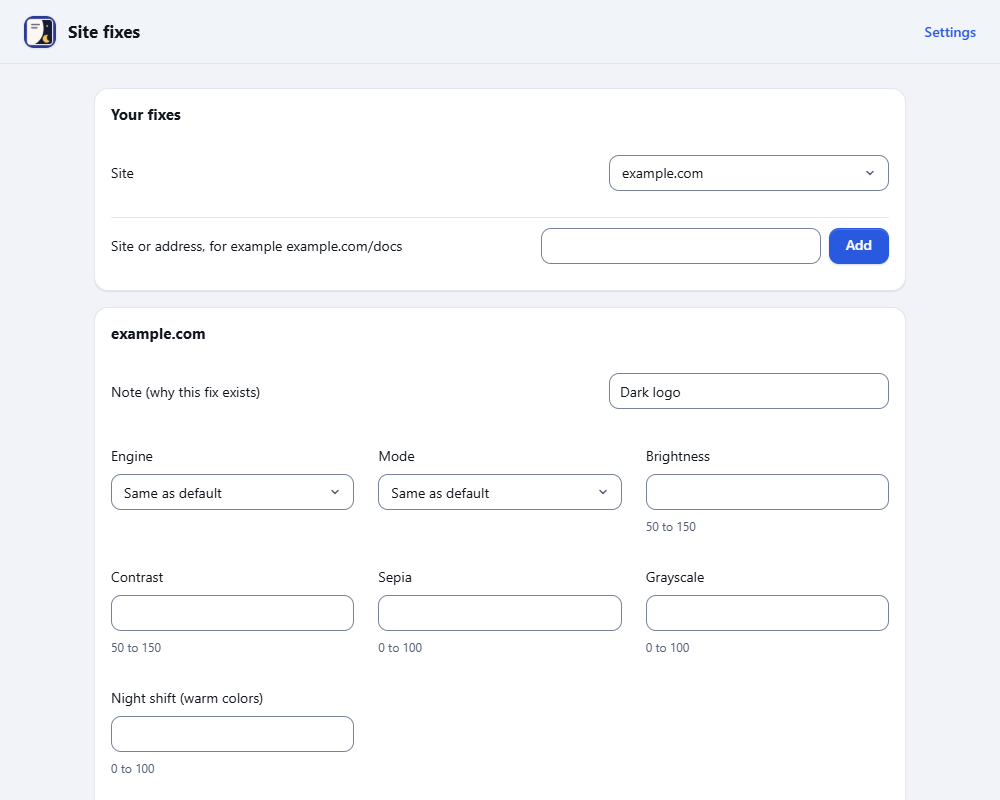
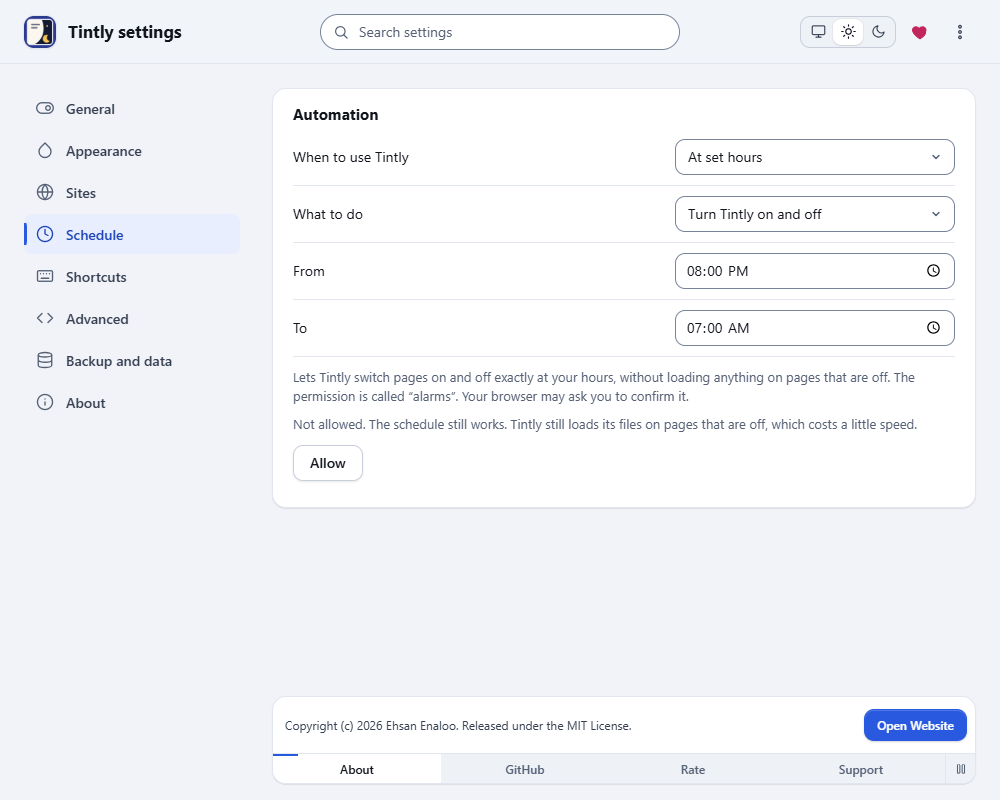
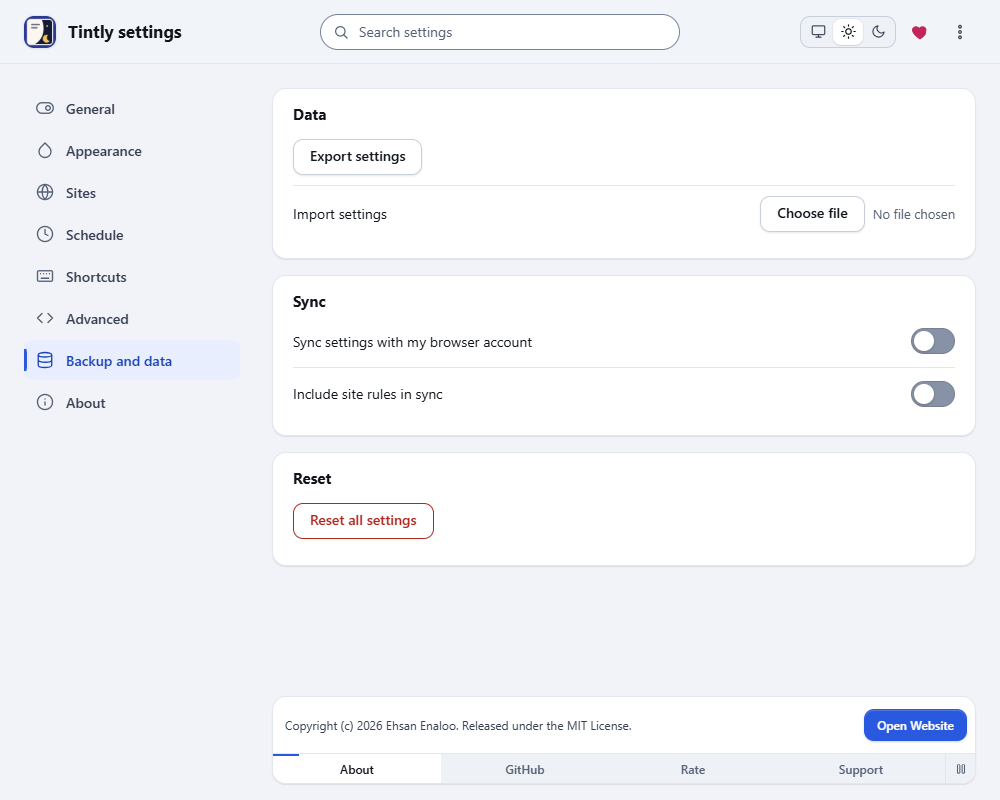
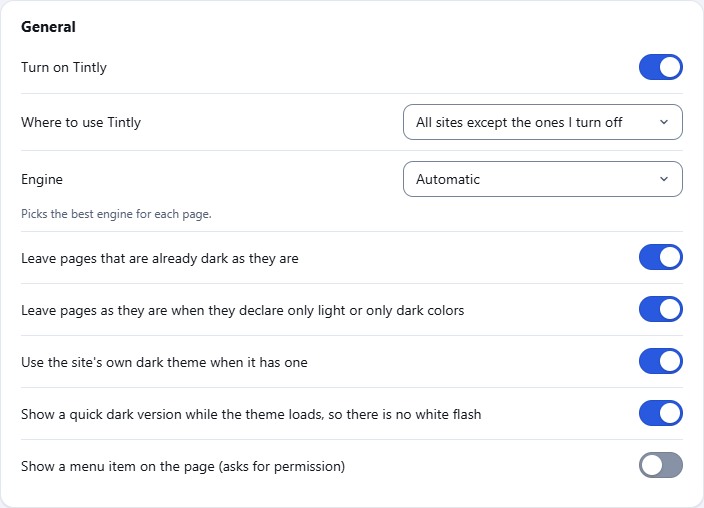
در عمل ببینید
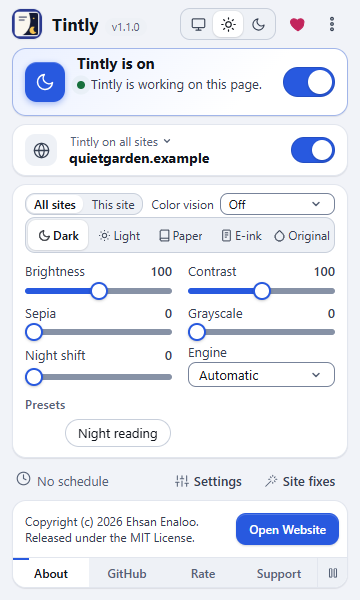
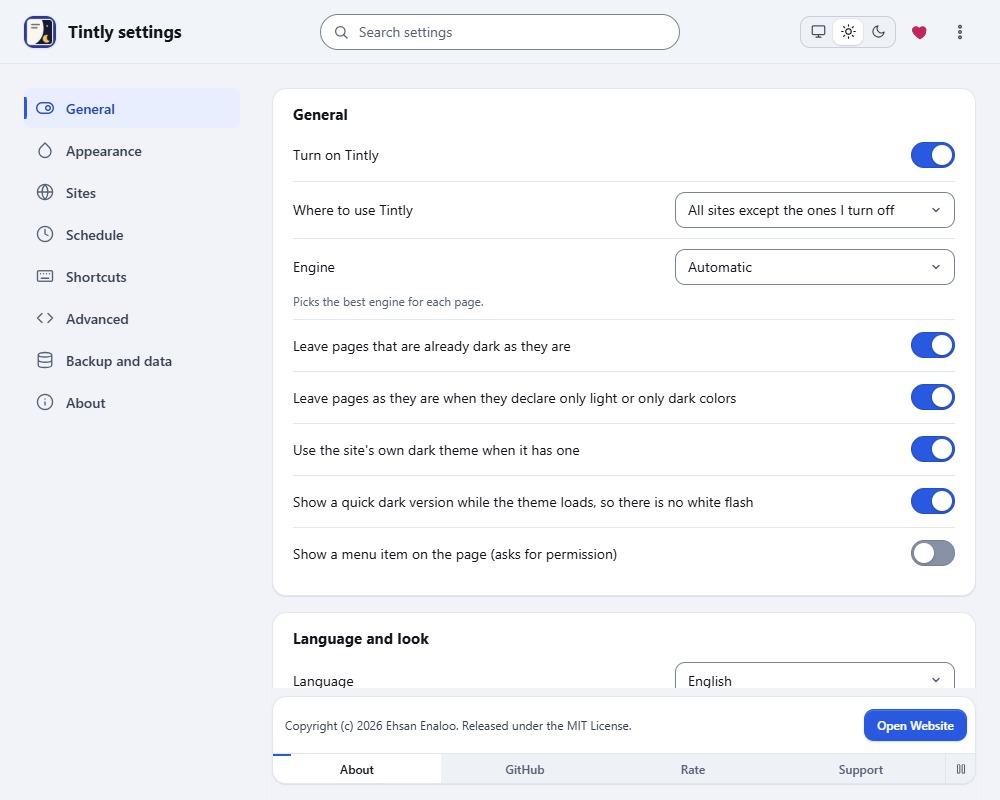
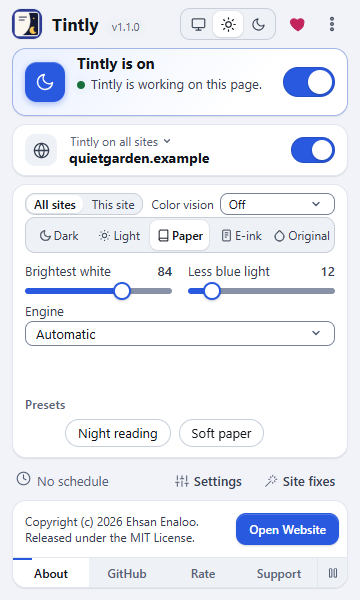
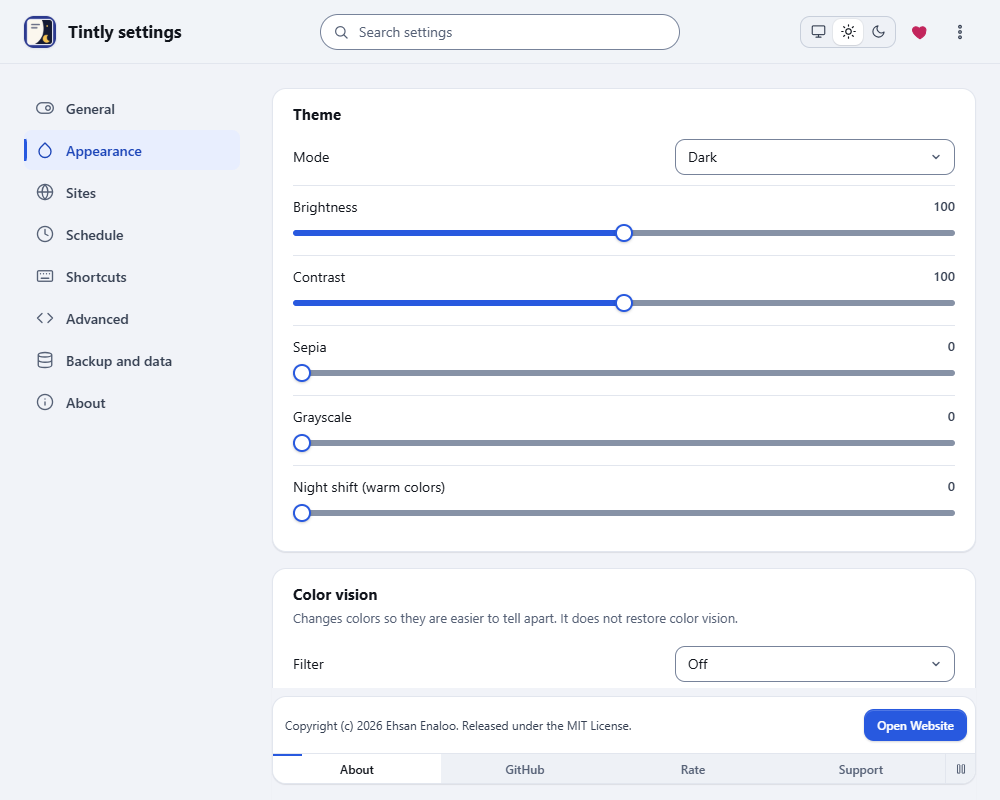
آن را در دسترس نگه دارید
- Chrome: روی آیکون پازل در نوار ابزار کلیک کنید، سپس روی سنجاق کنار Tintly.
- Edge: روی آیکون پازل در نوار ابزار کلیک کنید، سپس روی آیکون چشم کنار Tintly تا در نوار ابزار نشان داده شود.
- Firefox: روی آیکون پازل در نوار ابزار کلیک کنید، سپس روی چرخدندهی کنار Tintly و گزینهی Pin to Toolbar را بزنید.
پرسش یا مشکل
راه اول برای گزارش اشکال یا ارسال پیشنهاد، یک issue در GitHub است. حساب GitHub ندارید؟ از فرم همین سایت استفاده کنید. من همهی پیامها را میخوانم.
بیشتر بدانید
راهنماهای کوتاه برای قابلیتهای اصلی.
- Get startedSee a page change in the first minute. Learn the toolbar window, switch the mode, turn Tintly off for one site and open the settings.
- Choose a modeDark, Light, Paper, E-ink or Original. See what each mode looks like, which one fits your eyes and your screen, and how to switch between them.
- Questions and answersShort answers to the questions people ask most: why a page did not change, how to turn Tintly off for a site, how to move your settings and what Tintly sends.
- Pick an engineTintly can color a page in four ways. This guide says what each one does, when to choose it and how it treats pages that are already dark.
- Use the dark theme of a siteMany sites have a dark theme of their own. Tintly can switch it on, check the result and fall back to its own colors when the theme is not good enough.
- Colors, fonts and palettesChoose a palette for the Dark and Light modes, set your own colors, change the font and the weight of the text, and see how Tintly keeps text easy to read.
این صفحه فرم، کوکی و ردیابی ندارد. باز شدنش یکی به یک شمارش روزانهی نصبها اضافه میکند، بدون نشانی و بدون شناسه. هیچ اسکریپت شخص ثالثی بارگیری نمیکند. دکمهی اختیاری گفتگو تا وقتی سؤال نپرسید چیزی نمیفرستد. سیاست حریم خصوصی