Dark mode
تم تثبيت Tintly
شكرًا لتجربتك Tintly. إنه جاهز للاستخدام ويمكنك إغلاق هذا التبويب. هذه الملاحظات لمن يريدها.
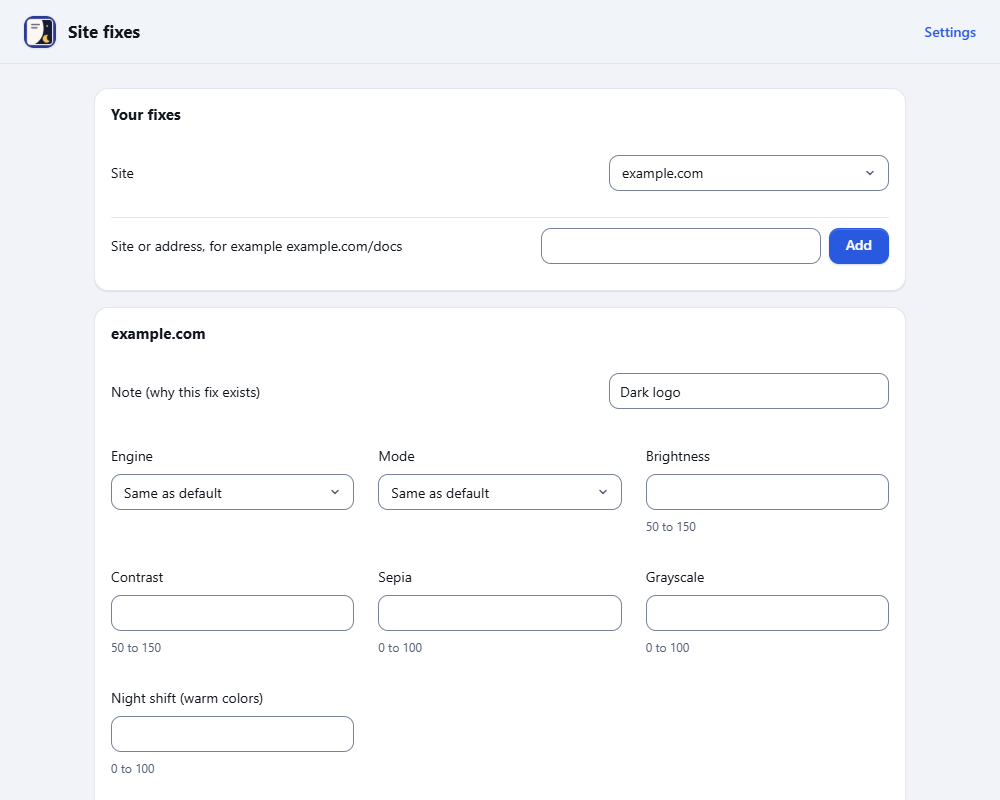
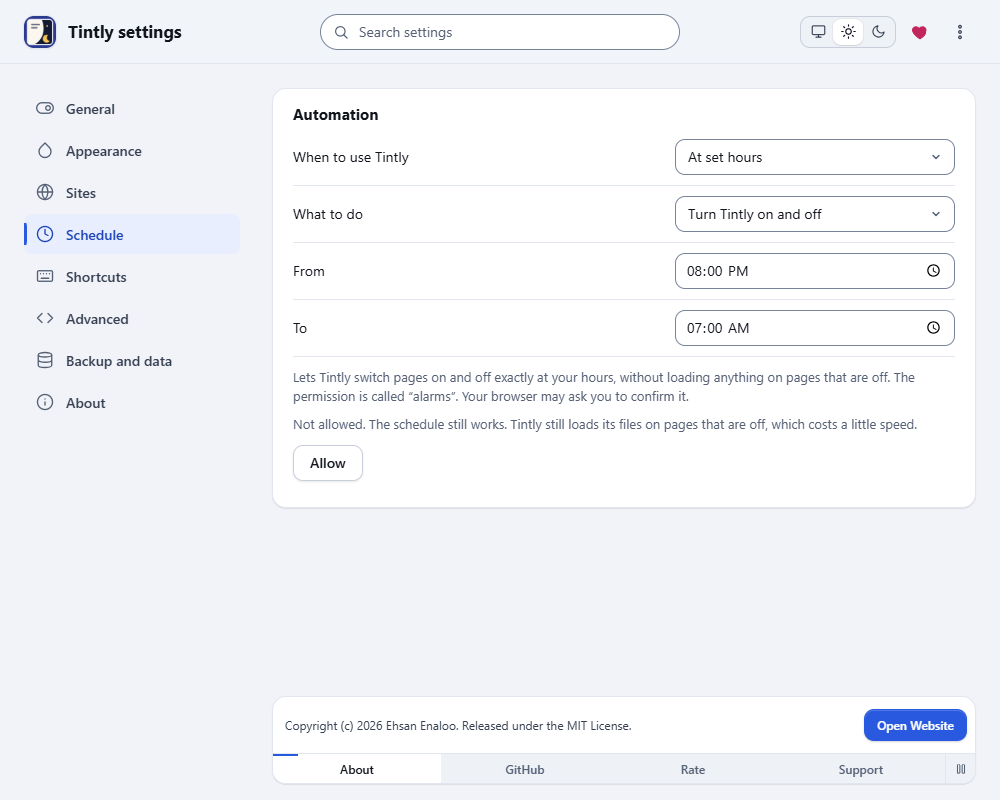
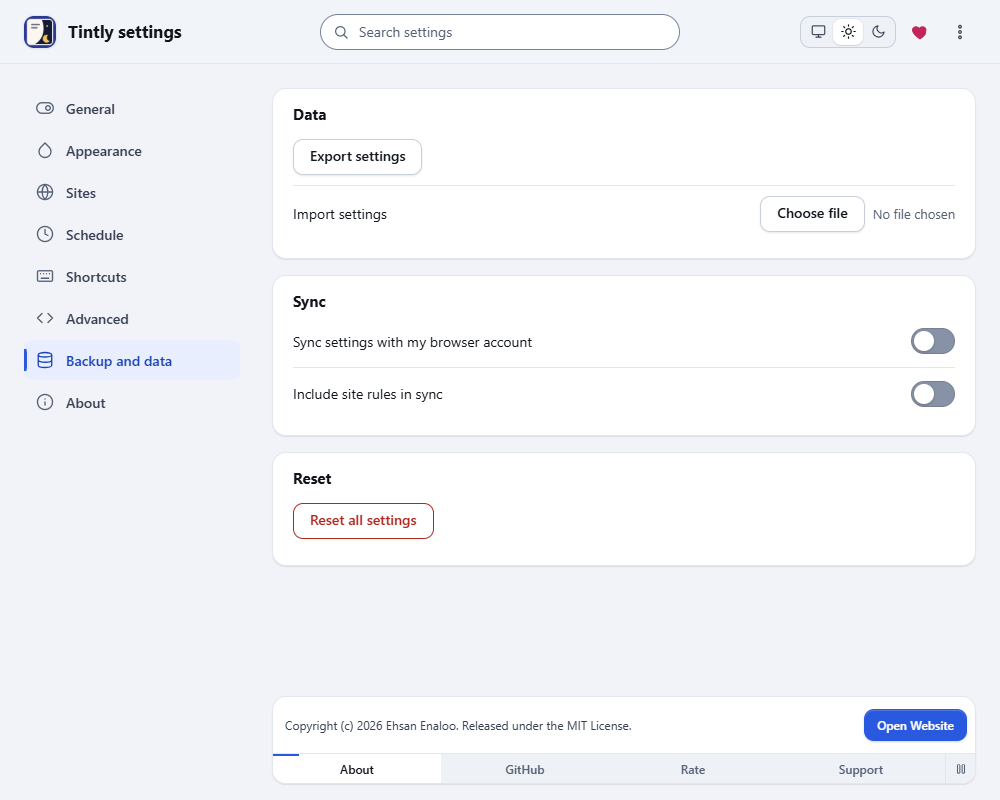
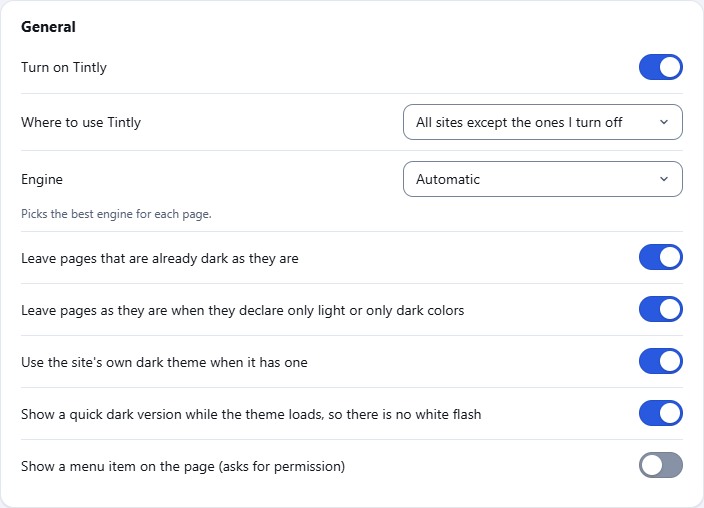
شاهده أثناء العمل
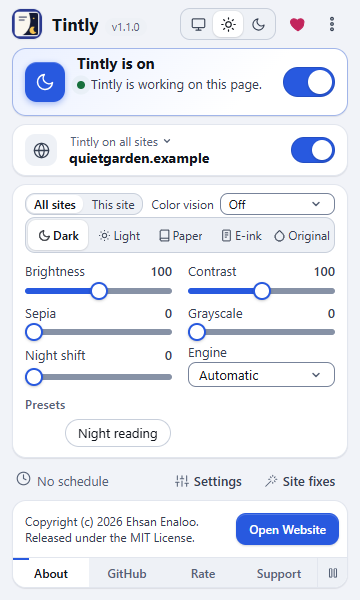
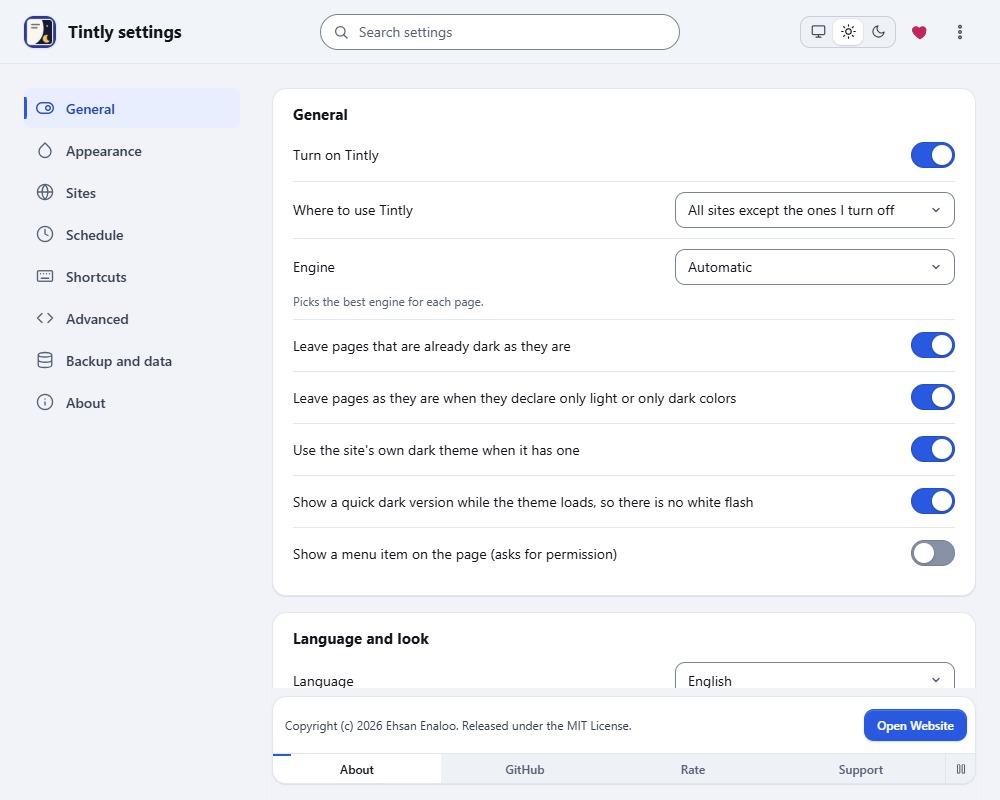
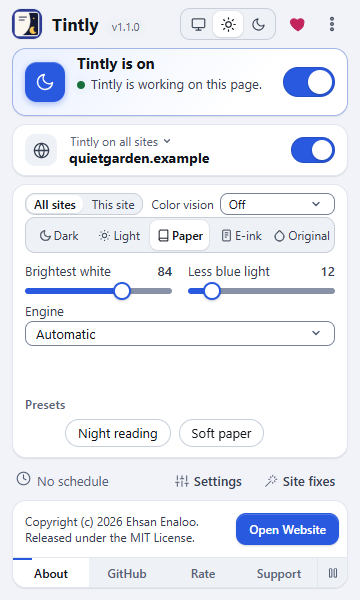
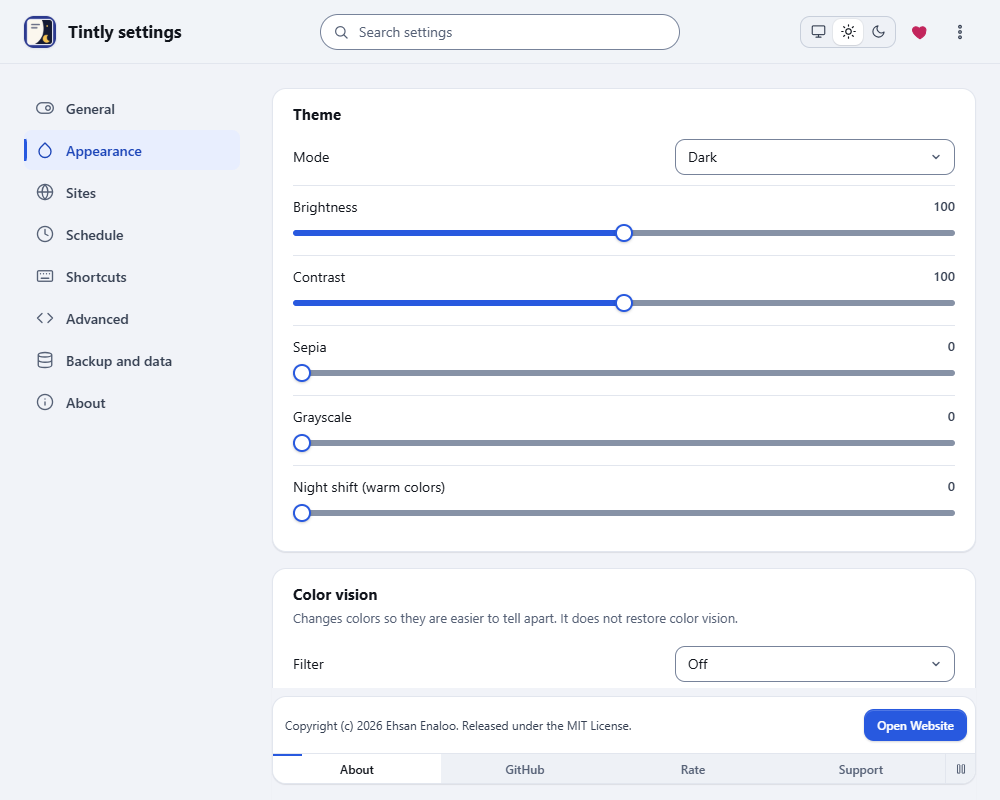
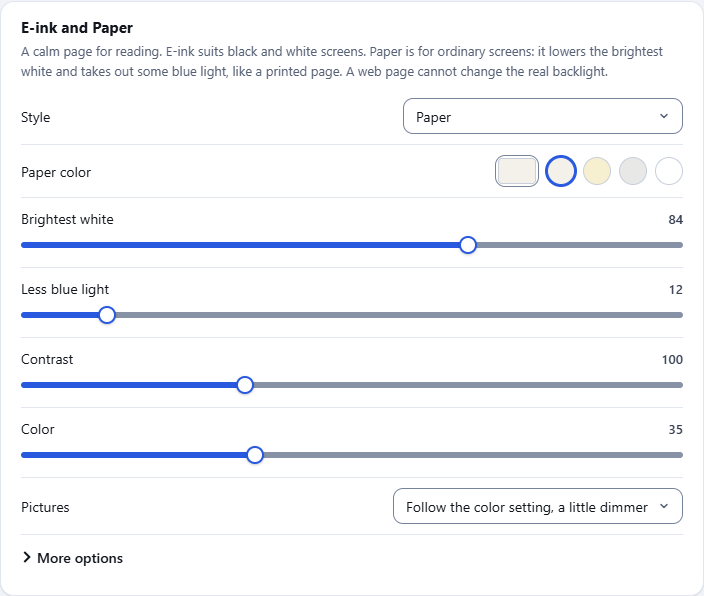
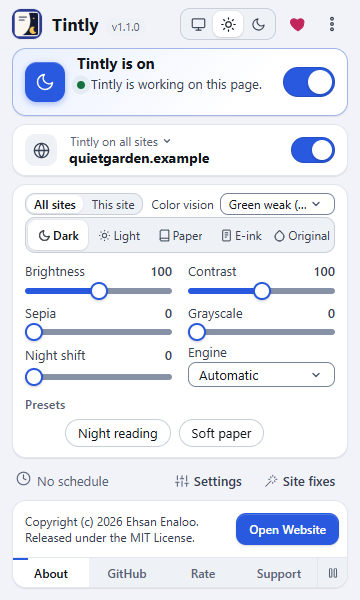
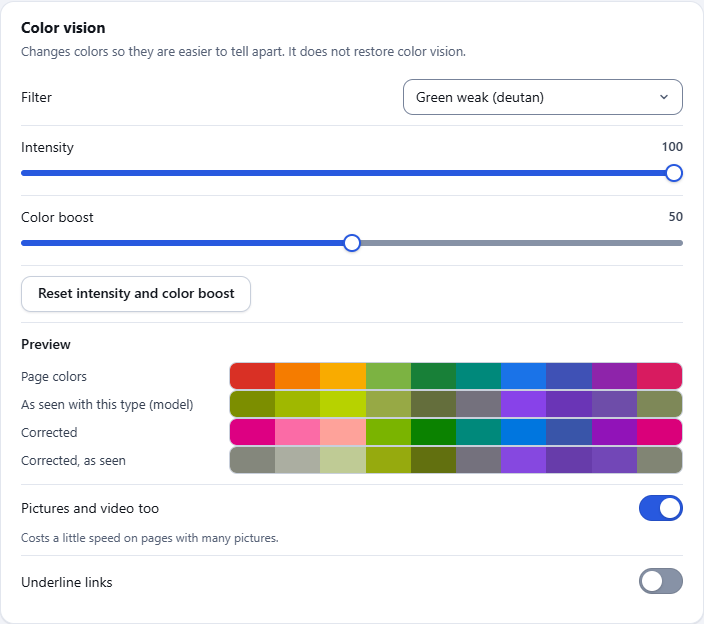
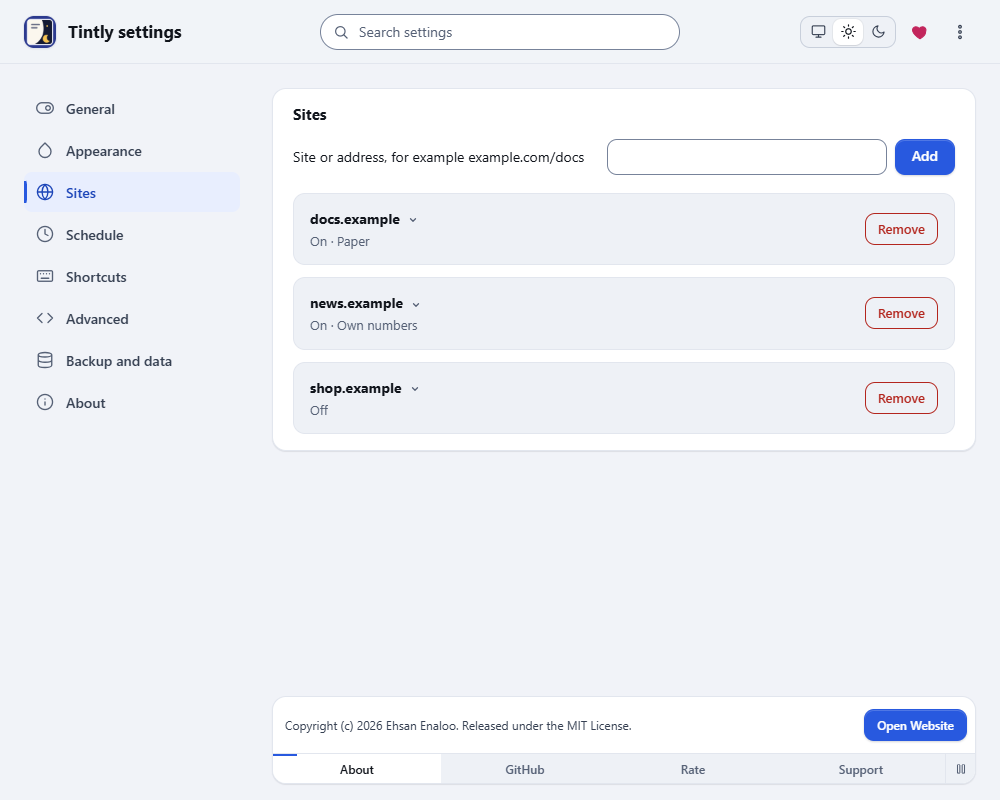
أبقِه في متناول يدك
- Chrome: انقر على أيقونة القطعة في شريط الأدوات، ثم على الدبوس بجانب Tintly.
- Edge: انقر على أيقونة القطعة في شريط الأدوات، ثم على أيقونة العين بجانب Tintly لإظهاره في شريط الأدوات.
- Firefox: انقر على أيقونة القطعة في شريط الأدوات، ثم على الترس بجانب Tintly واختر Pin to Toolbar.
أسئلة أو مشاكل
الطريقة الأولى للإبلاغ عن خطأ أو مشاركة فكرة هي issue على GitHub. ليس لديك حساب GitHub؟ استخدم النموذج في هذا الموقع. أقرأ كل الرسائل.
اعرف المزيد
أدلة قصيرة للميزات الرئيسية.
- Get startedSee a page change in the first minute. Learn the toolbar window, switch the mode, turn Tintly off for one site and open the settings.
- Choose a modeDark, Light, Paper, E-ink or Original. See what each mode looks like, which one fits your eyes and your screen, and how to switch between them.
- Questions and answersShort answers to the questions people ask most: why a page did not change, how to turn Tintly off for a site, how to move your settings and what Tintly sends.
- Pick an engineTintly can color a page in four ways. This guide says what each one does, when to choose it and how it treats pages that are already dark.
- Use the dark theme of a siteMany sites have a dark theme of their own. Tintly can switch it on, check the result and fall back to its own colors when the theme is not good enough.
- Colors, fonts and palettesChoose a palette for the Dark and Light modes, set your own colors, change the font and the weight of the text, and see how Tintly keeps text easy to read.
لا تحتوي هذه الصفحة على نموذج أو ملفات تعريف ارتباط أو تتبع. يضيف فتحها واحدًا إلى عدّ يومي للتثبيتات، بلا عنوان ولا معرّف. ولا تحمّل أي نص برمجي من جهة خارجية. زر الدردشة الاختياري لا يرسل شيئًا حتى تطرح سؤالًا. سياسة الخصوصية