Dark mode
Tintly is installed
Thank you for trying Tintly. It is ready to use, and you can close this tab. These notes are here if you want them.
What it does
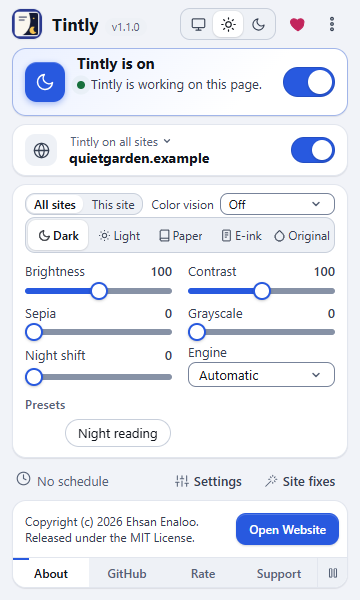
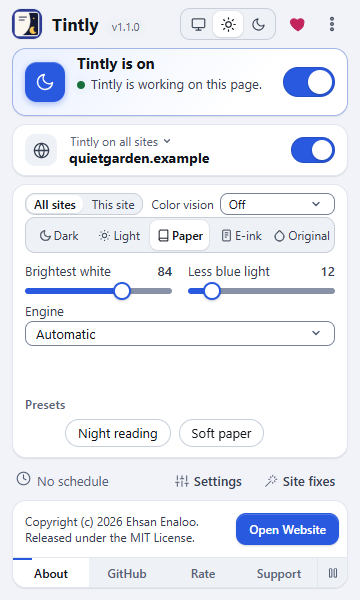
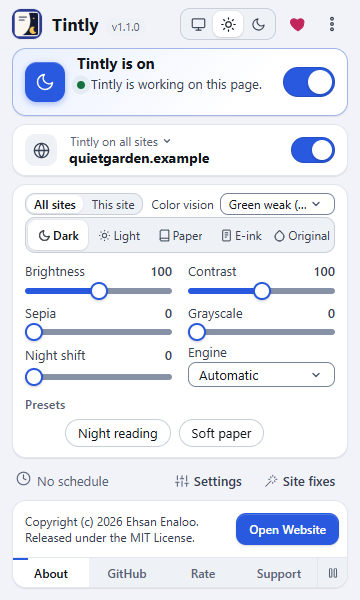
Tintly changes the colors of the pages you visit: dark, light, Paper, E-ink, or colors that are easier to tell apart for color vision. It does not change what a page shows, sends or stores.
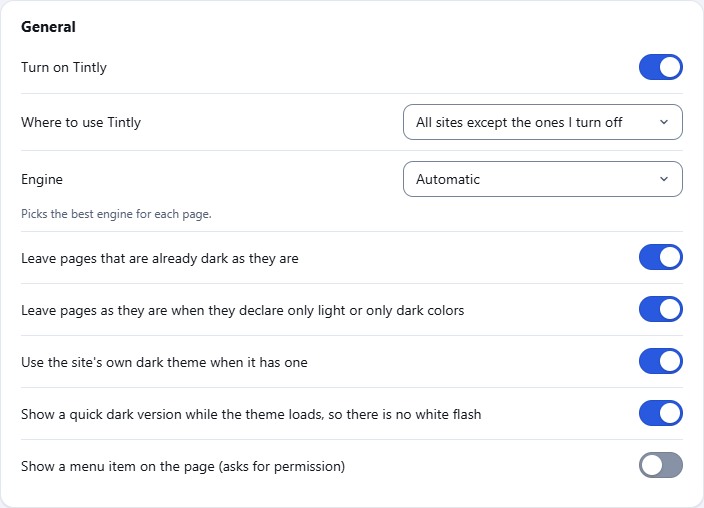
- Turns pages dark, or light, with four ways of doing it. You pick one, or leave it on automatic.
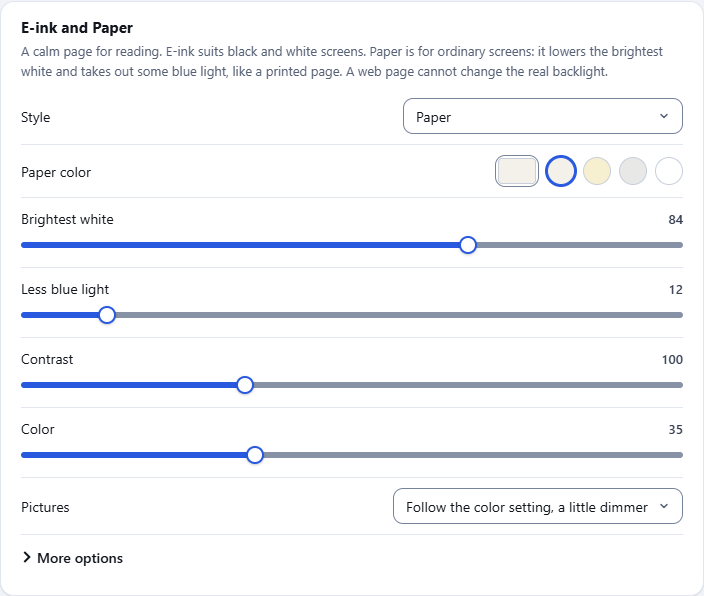
- Has an E-ink and Paper mode for reading: a paper color, ink for the text, grayer pictures, less glare and less blue light.
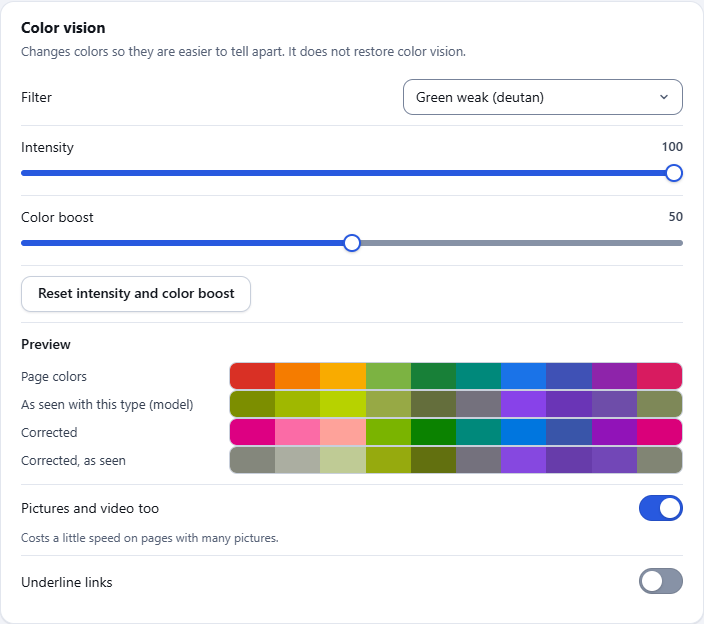
- Corrects colors for red, green or blue color weakness, with a theme or on the page's own colors, so they are easier to tell apart. Pictures and icons follow the filter too.
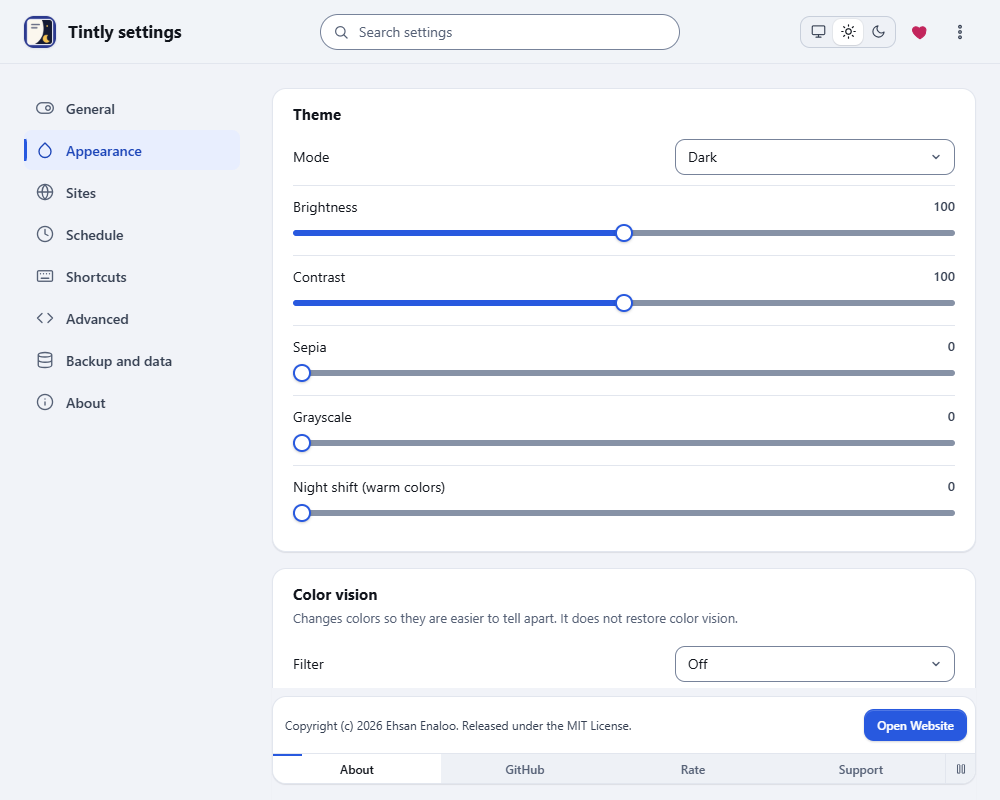
- Shows a page in gray, in gray with light and dark swapped, or with inverted colors, on the page's own colors.
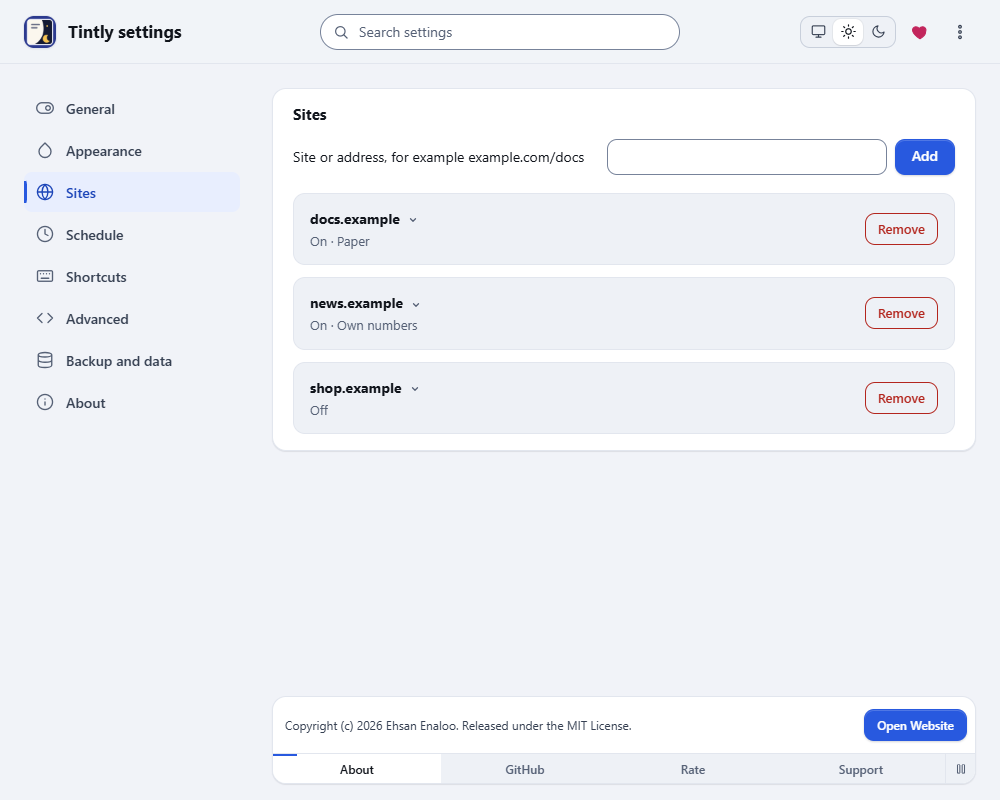
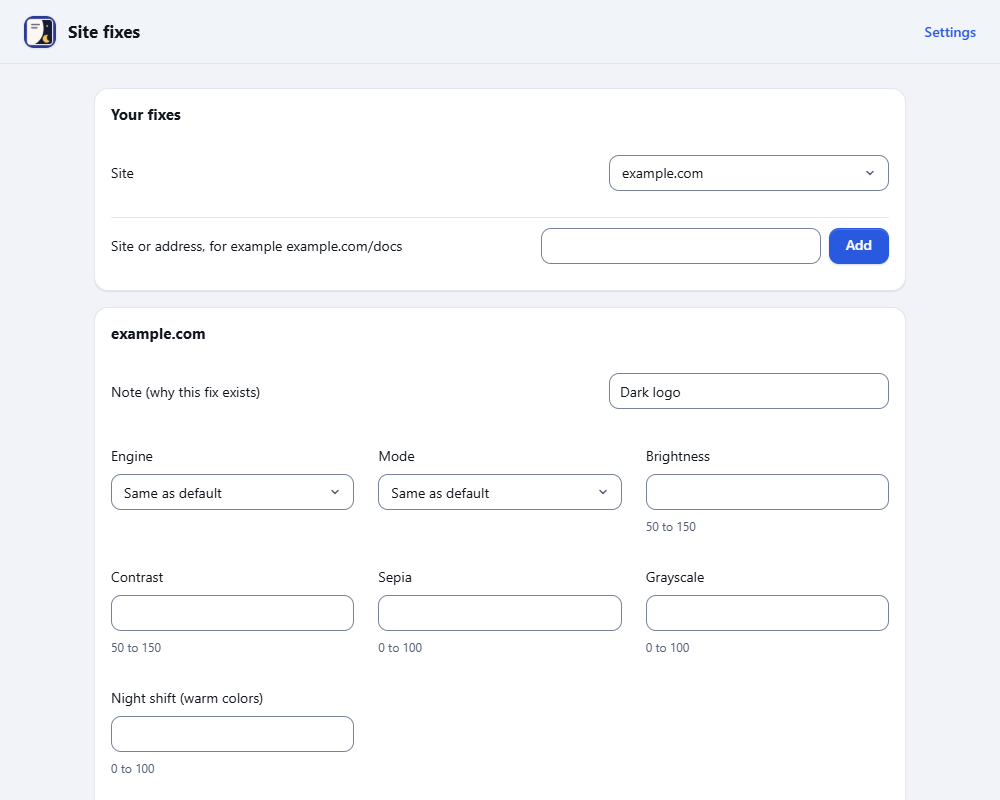
- Keeps the choice for each site. A site can be on, off, or use its own colors.
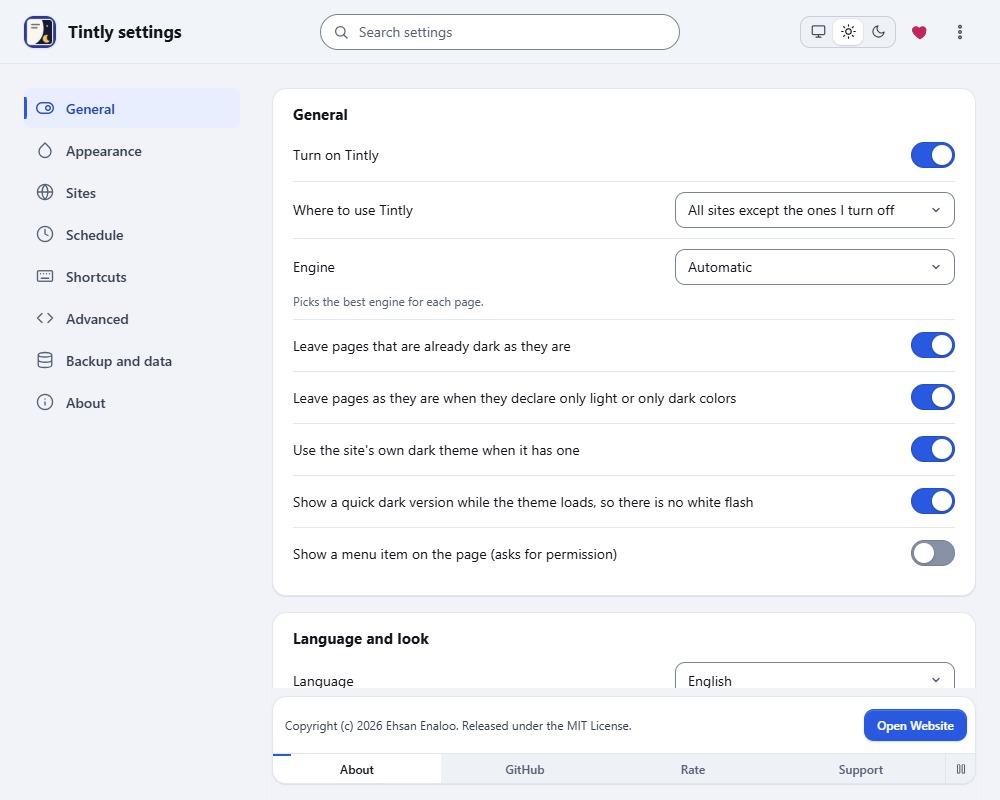
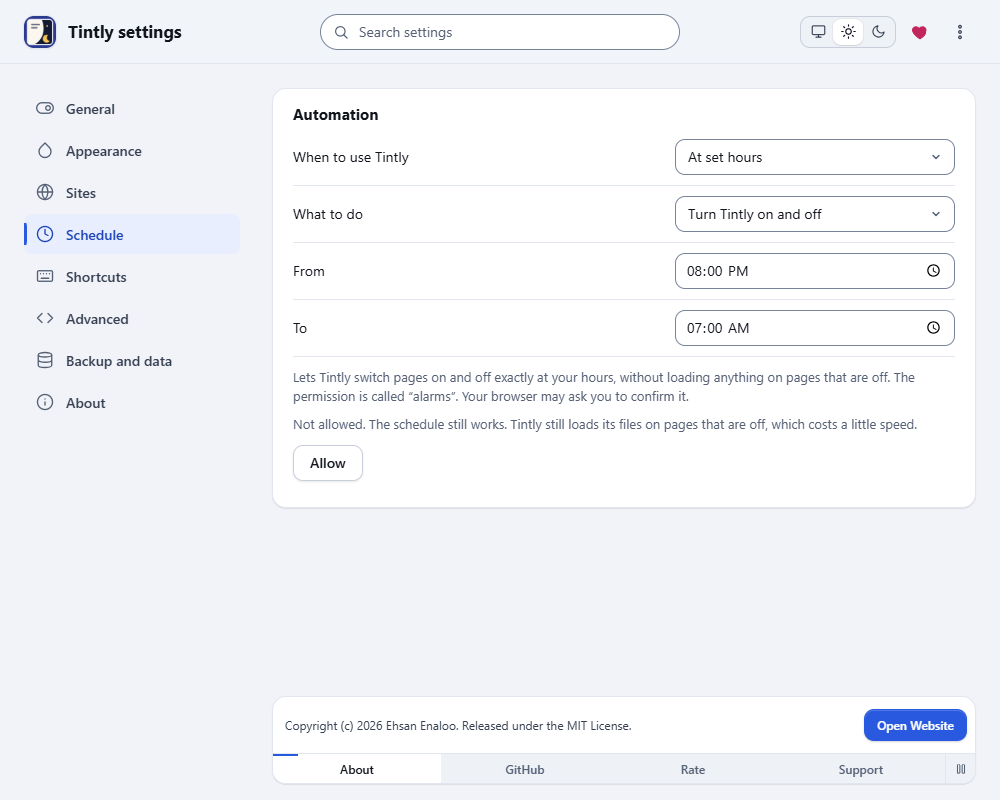
- Works on all sites, or only on the sites you turn on.
See it in action
Keep it within reach
- Chrome: Click the puzzle icon in the toolbar, then the pin next to Tintly.
- Edge: Click the puzzle icon in the toolbar, then the eye icon next to Tintly to show it in the toolbar.
- Firefox: Click the puzzle icon in the toolbar, then the gear next to Tintly and choose Pin to Toolbar.
Questions or problems
The first way to report a bug or share an idea is a GitHub issue. No GitHub account? Use the form on this site. I read every message.
Learn more
Short guides for the main features.
- Get startedSee a page change in the first minute. Learn the toolbar window, switch the mode, turn Tintly off for one site and open the settings.
- Choose a modeDark, Light, Paper, E-ink or Original. See what each mode looks like, which one fits your eyes and your screen, and how to switch between them.
- Questions and answersShort answers to the questions people ask most: why a page did not change, how to turn Tintly off for a site, how to move your settings and what Tintly sends.
- Pick an engineTintly can color a page in four ways. This guide says what each one does, when to choose it and how it treats pages that are already dark.
- Use the dark theme of a siteMany sites have a dark theme of their own. Tintly can switch it on, check the result and fall back to its own colors when the theme is not good enough.
- Colors, fonts and palettesChoose a palette for the Dark and Light modes, set your own colors, change the font and the weight of the text, and see how Tintly keeps text easy to read.
This page has no form, no cookies and no tracking. Opening it adds one to a daily count of installs, with no address and no identifier. It loads no third-party script. The optional chat button sends nothing until you ask a question. Privacy policy