Right to left
RTLY نصب شد
ممنون که RTLY را امتحان کردید. آمادهی استفاده است و میتوانید این زبانه را ببندید. این نکتهها برای وقتی است که بخواهید.
در عمل ببینید
آن را در دسترس نگه دارید
- Chrome: روی آیکون پازل در نوار ابزار کلیک کنید، سپس روی سنجاق کنار RTLY.
- Edge: روی آیکون پازل در نوار ابزار کلیک کنید، سپس روی آیکون چشم کنار RTLY تا در نوار ابزار نشان داده شود.
- Firefox: روی آیکون پازل در نوار ابزار کلیک کنید، سپس روی چرخدندهی کنار RTLY و گزینهی Pin to Toolbar را بزنید.
پرسش یا مشکل
راه اول برای گزارش اشکال یا ارسال پیشنهاد، یک issue در GitHub است. حساب GitHub ندارید؟ از فرم همین سایت استفاده کنید. من همهی پیامها را میخوانم.
بیشتر بدانید
راهنماهای کوتاه برای قابلیتهای اصلی.
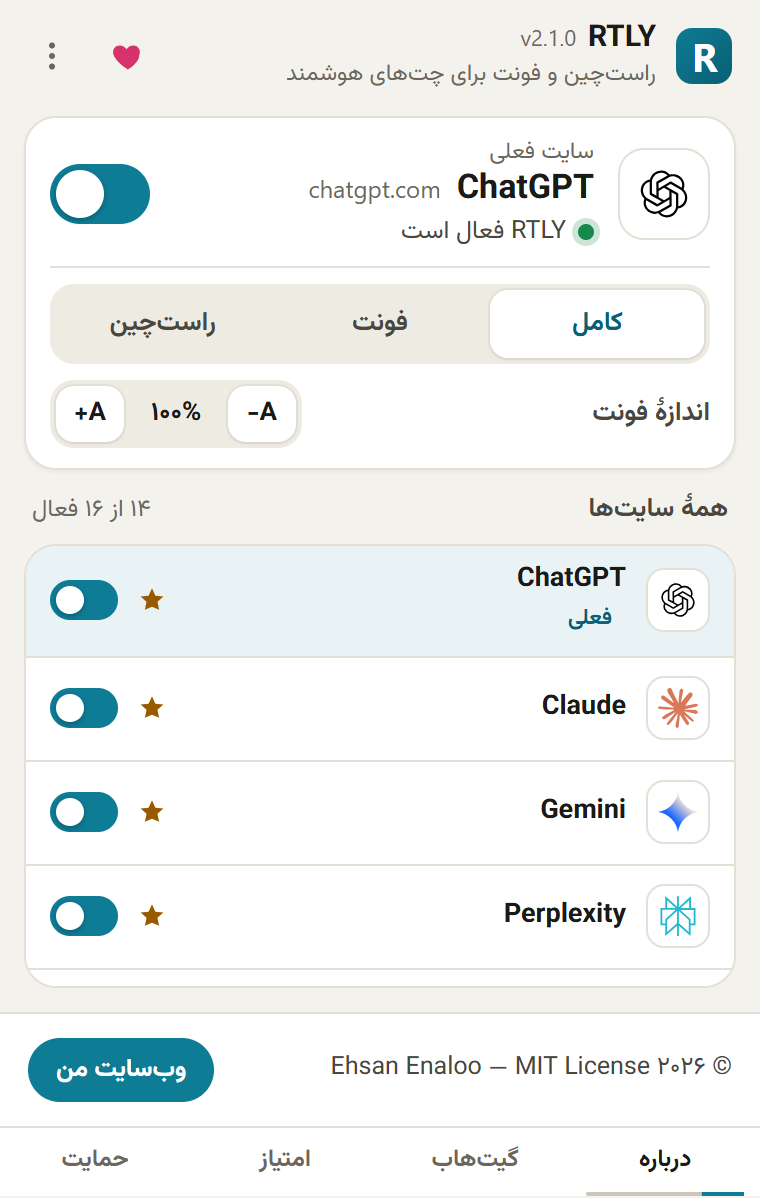
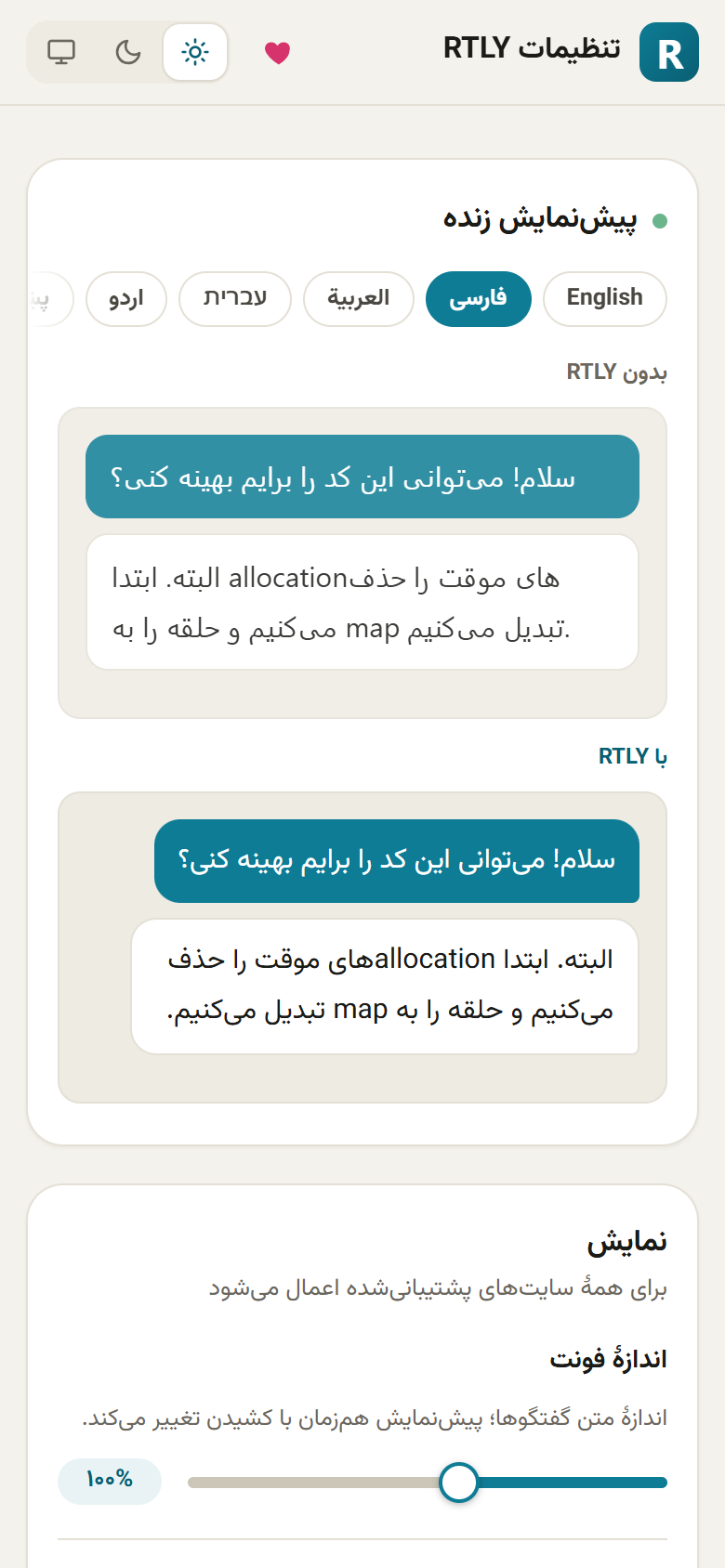
- پنجرهٔ افزونهپنجرهٔ افزونه سریعترین راه برای روشن و خاموش کردن یک سایت، عوض کردن حالت آن و تغییر اندازهٔ متن است.
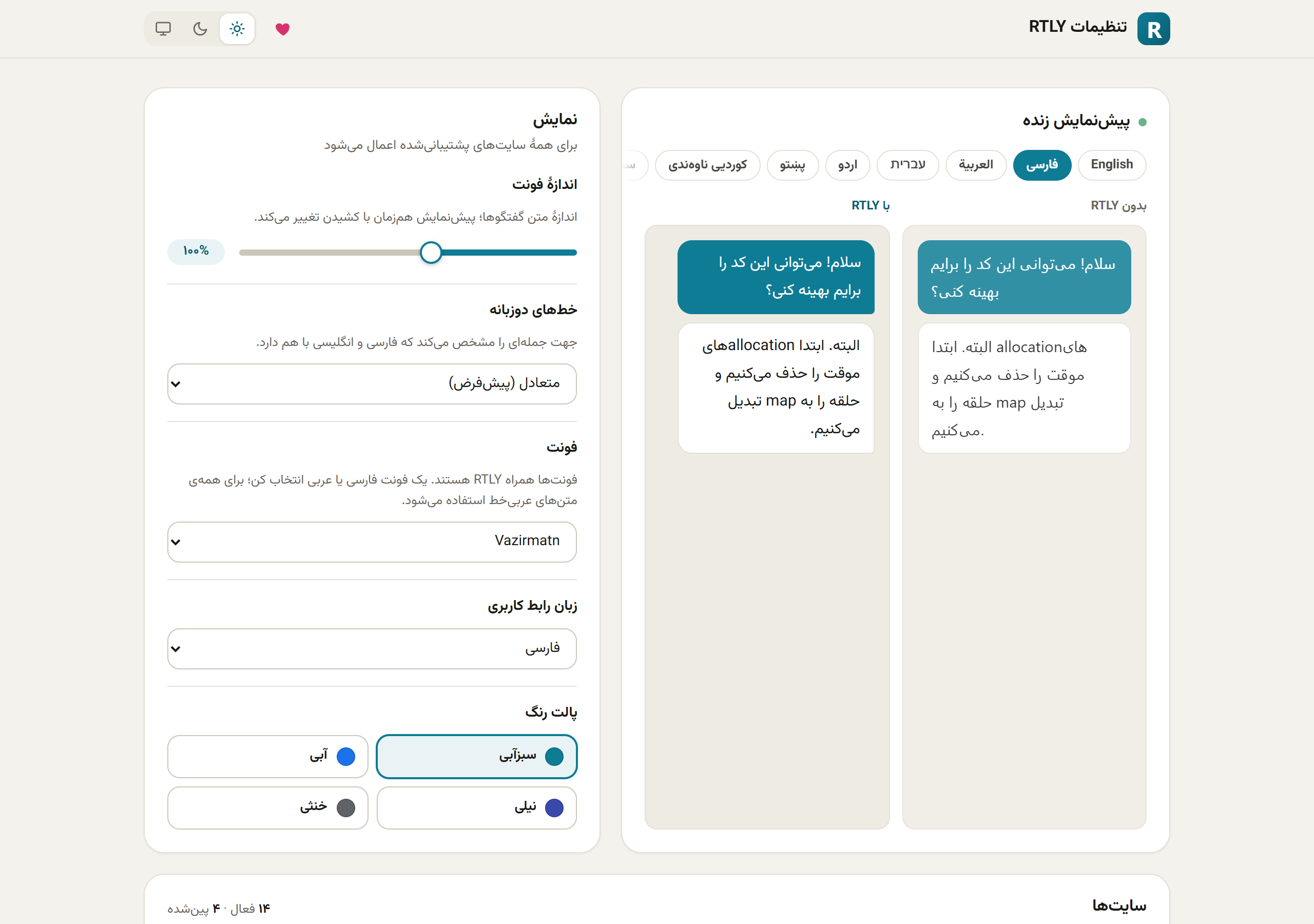
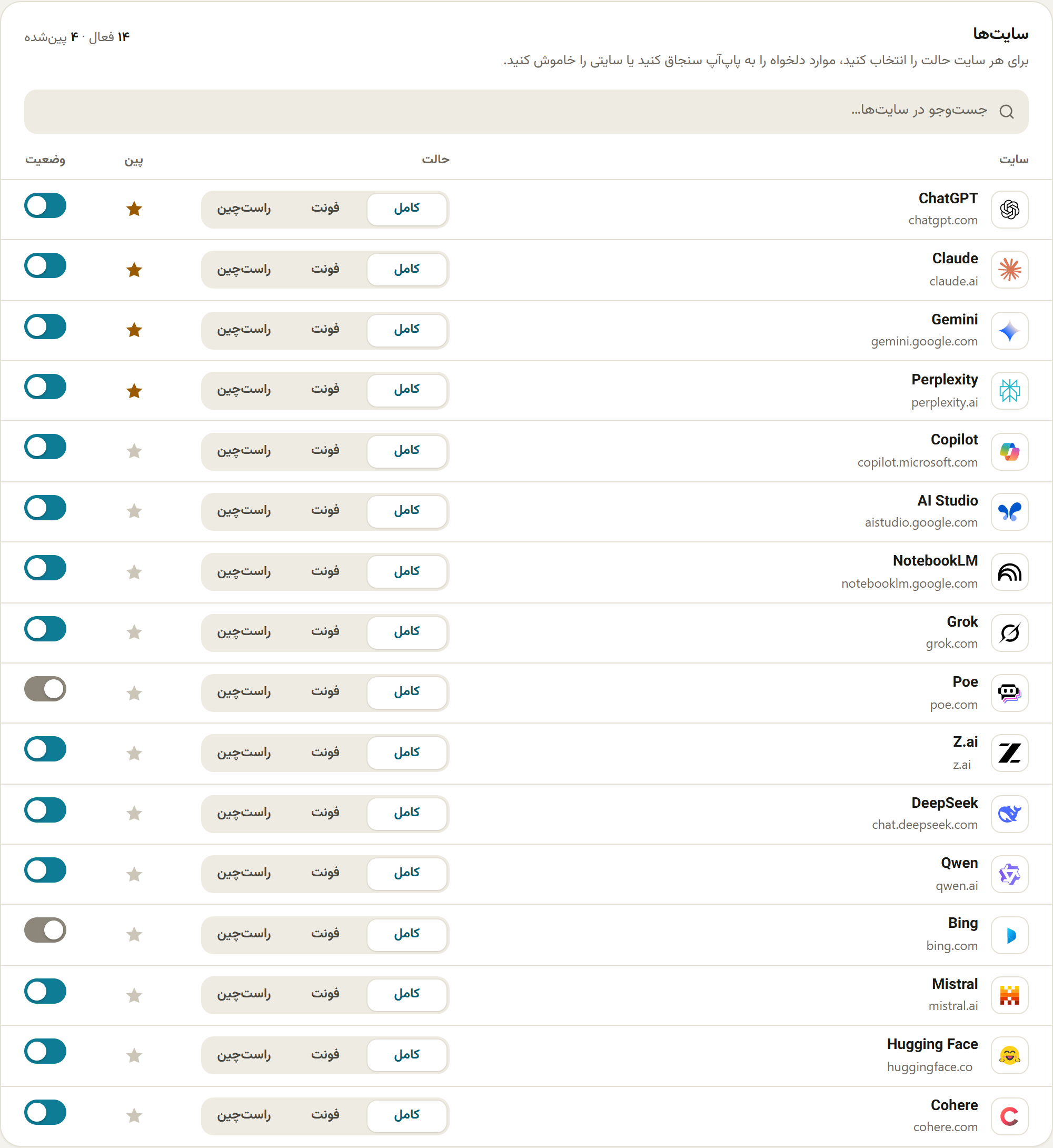
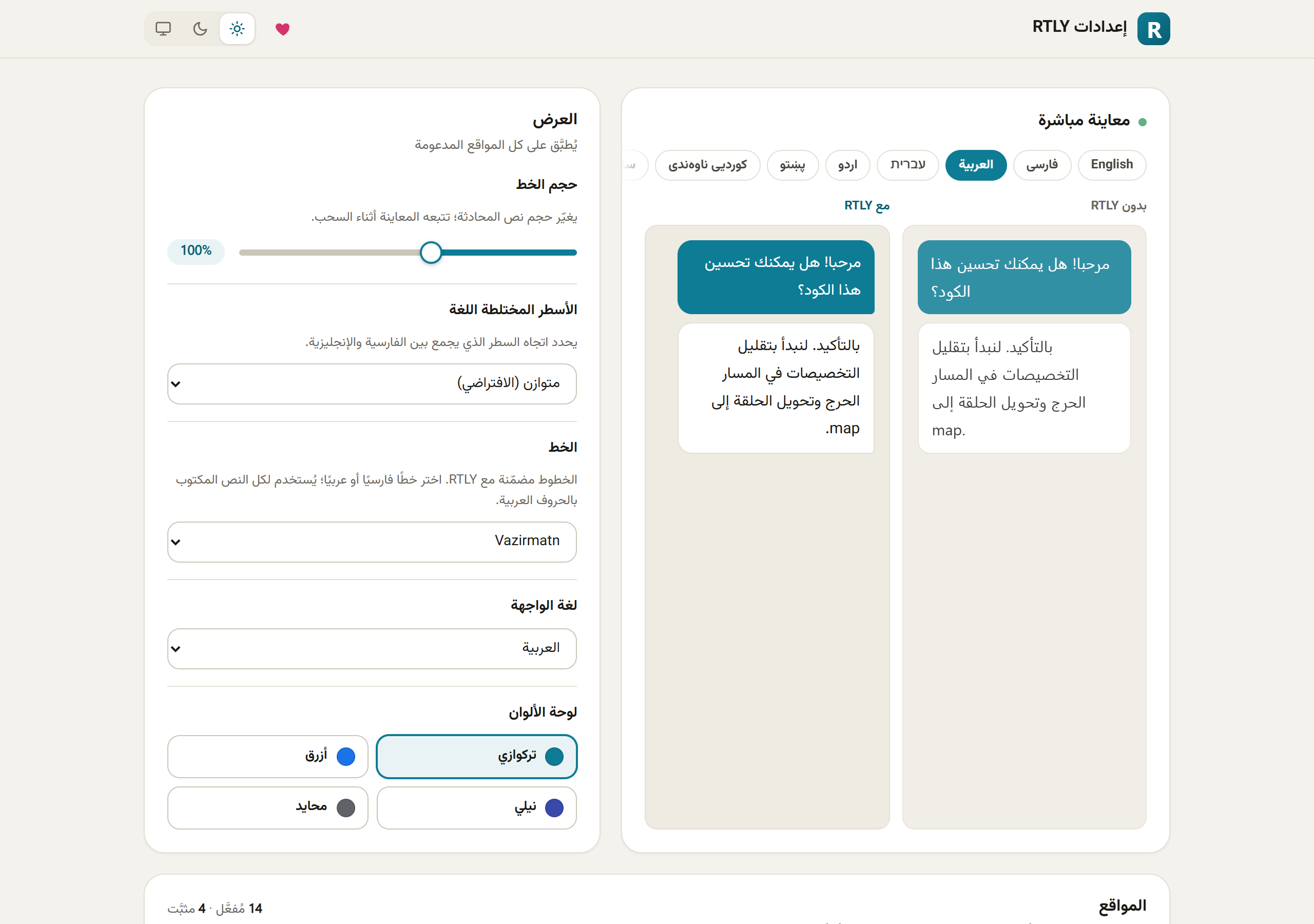
- صفحهٔ تنظیماتصفحهٔ تنظیمات پیشنمایش زندهٔ پیش و پس از RTLY را نشان میدهد و گزینههایی دارد که در پنجرهٔ افزونه نیستند: زبان رابط، پالت رنگ و جدول کامل سایتها.
- حالتها و جهتRTLY جهت را برای هر بلوک متن جداگانه و از روی حروف آن تعیین میکند. این صفحه قاعده، سه حالت و چیزهایی را که RTLY عمداً دست نمیزند توضیح میدهد.
- میانبر و منوی راستکلیکدو راه سریع برای روشن یا خاموش کردن RTLY در سایتی که در آن هستید، بدون باز کردن پنجرهٔ افزونه.
- سایتهای پشتیبانیشدهRTLY روی ۱۶ سایت چت هوش مصنوعی کار میکند و در هیچ جای دیگر کاری نمیکند.
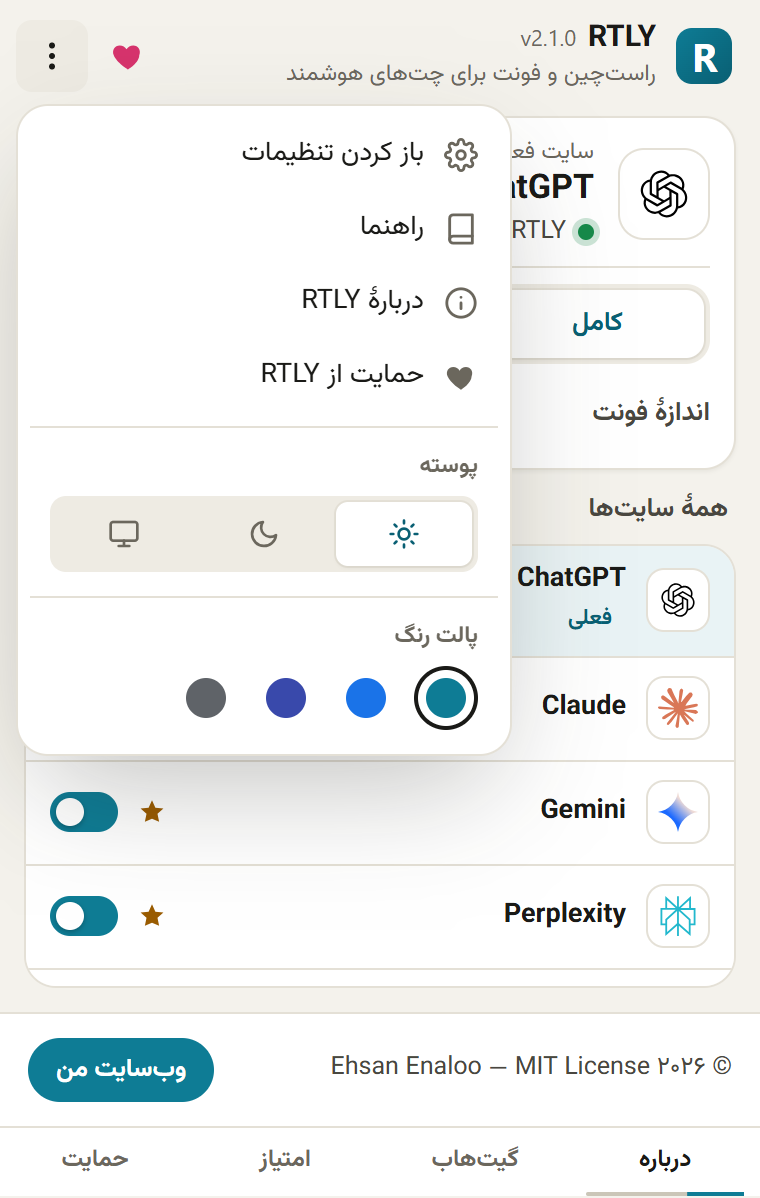
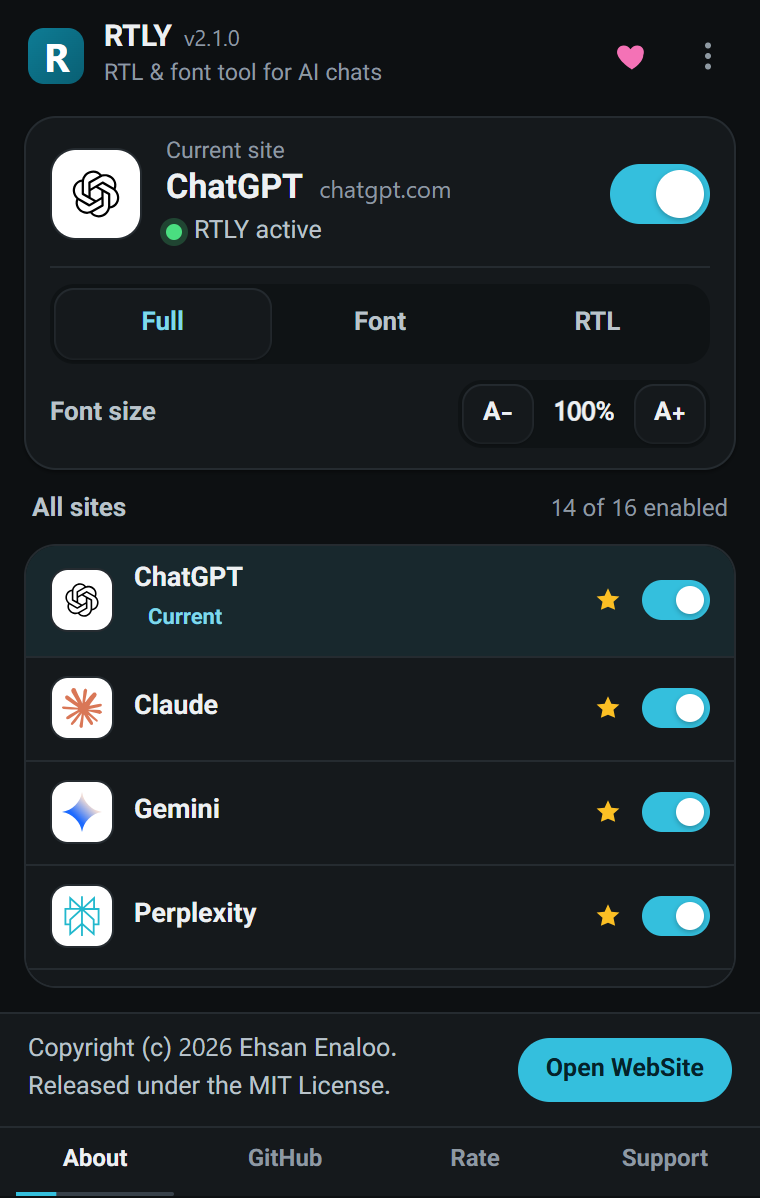
- زبانها و ظاهرپنجرهٔ افزونه و صفحهٔ تنظیمات RTLY به ۱۵ زبان، دو پوسته و چهار پالت رنگ ارائه میشود. این صفحه میگوید ترجمهها چقدر بازبینی شدهاند.
این صفحه فرم، کوکی و ردیابی ندارد. باز شدنش یکی به یک شمارش روزانهی نصبها اضافه میکند، بدون نشانی و بدون شناسه. هیچ اسکریپت شخص ثالثی بارگیری نمیکند. دکمهی اختیاری گفتگو تا وقتی سؤال نپرسید چیزی نمیفرستد. سیاست حریم خصوصی