Right to left
RTLY is installed
Thank you for trying RTLY. It is ready to use, and you can close this tab. These notes are here if you want them.
What it does
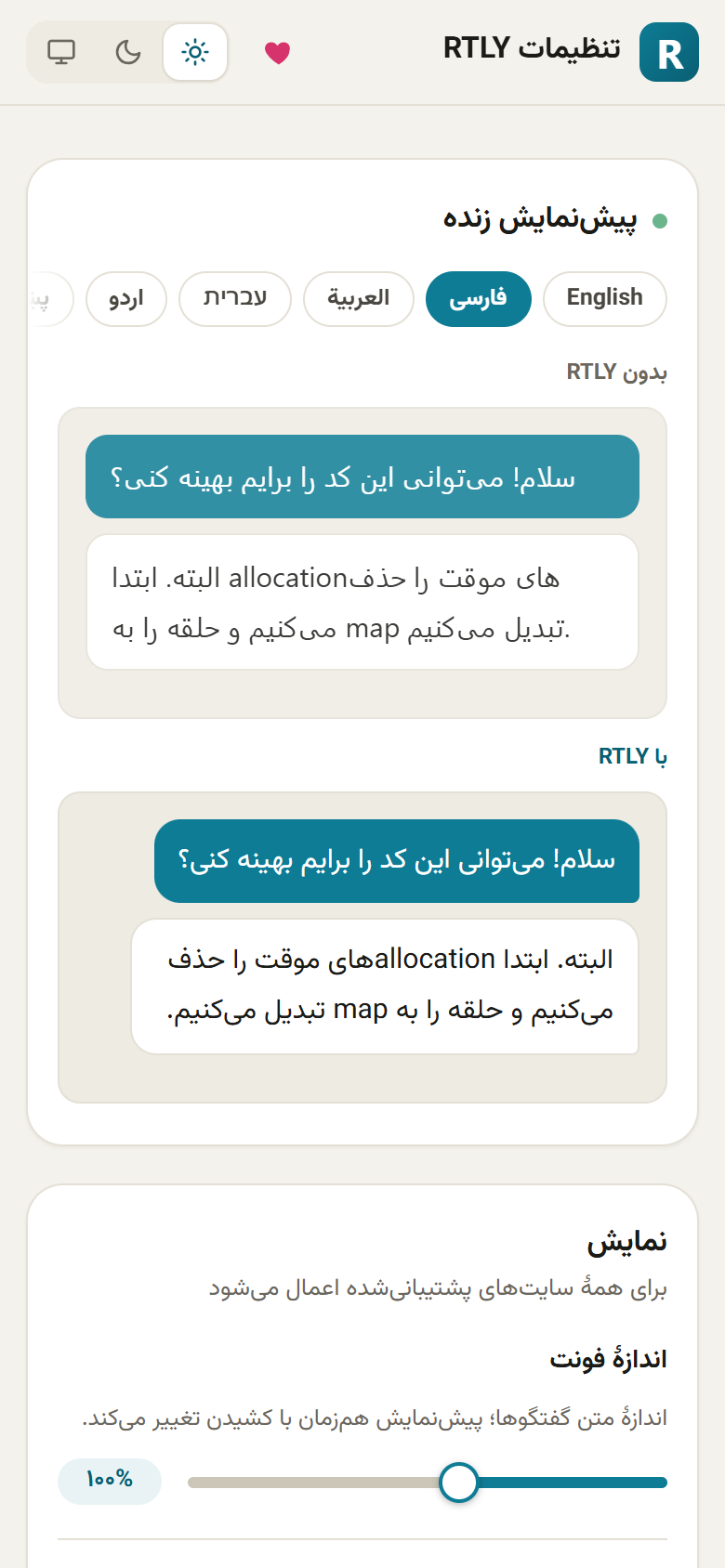
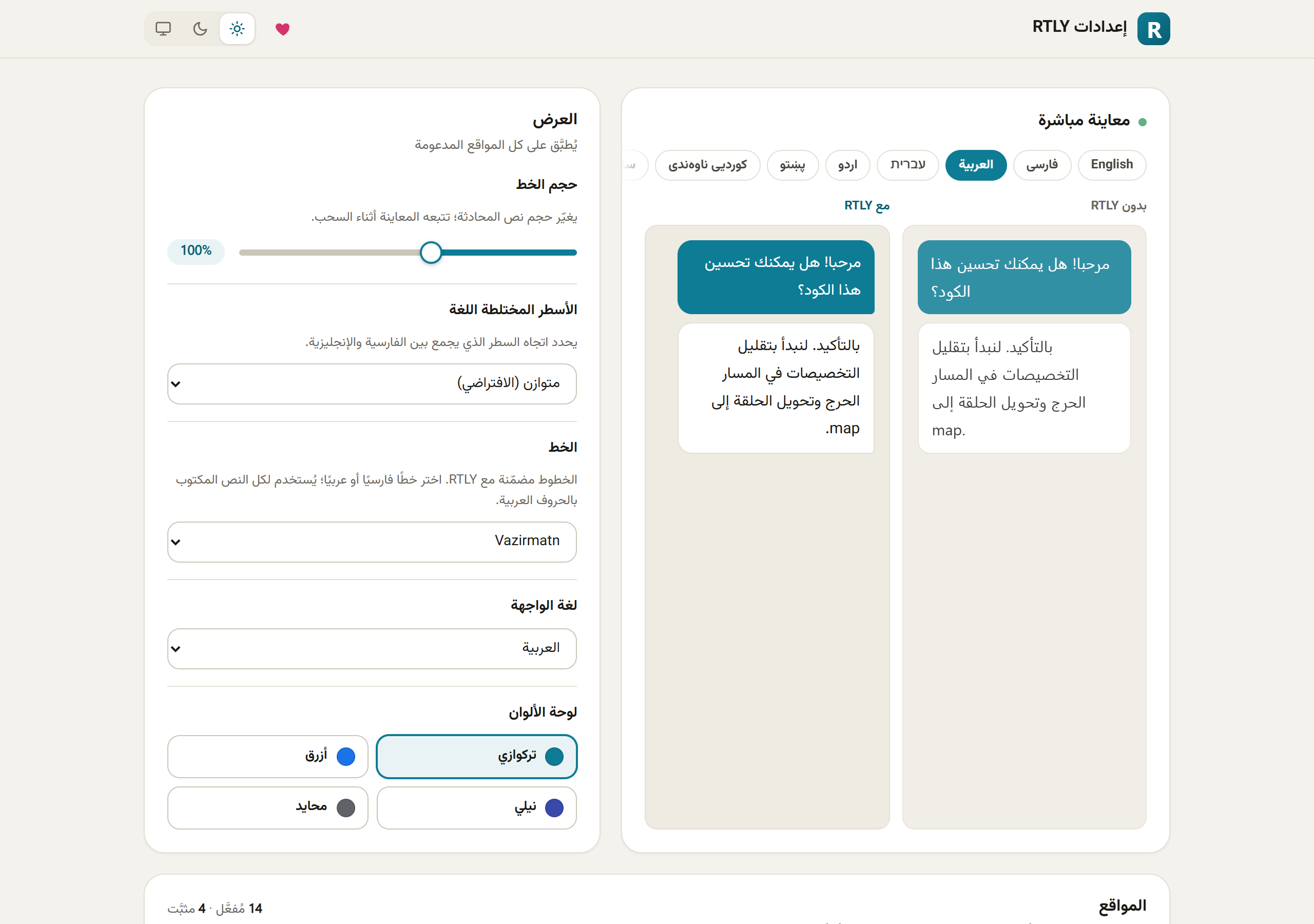
Shows Persian, Arabic, Hebrew, Urdu and other right to left text correctly on AI chat sites. Mixed language messages keep a sensible direction.
- Direction for each messageRTLY reads the script of a message and sets its direction. In a mixed language sentence, the main language decides.
- A Persian font where it is neededThe bundled font applies only to text with Arabic script letters.
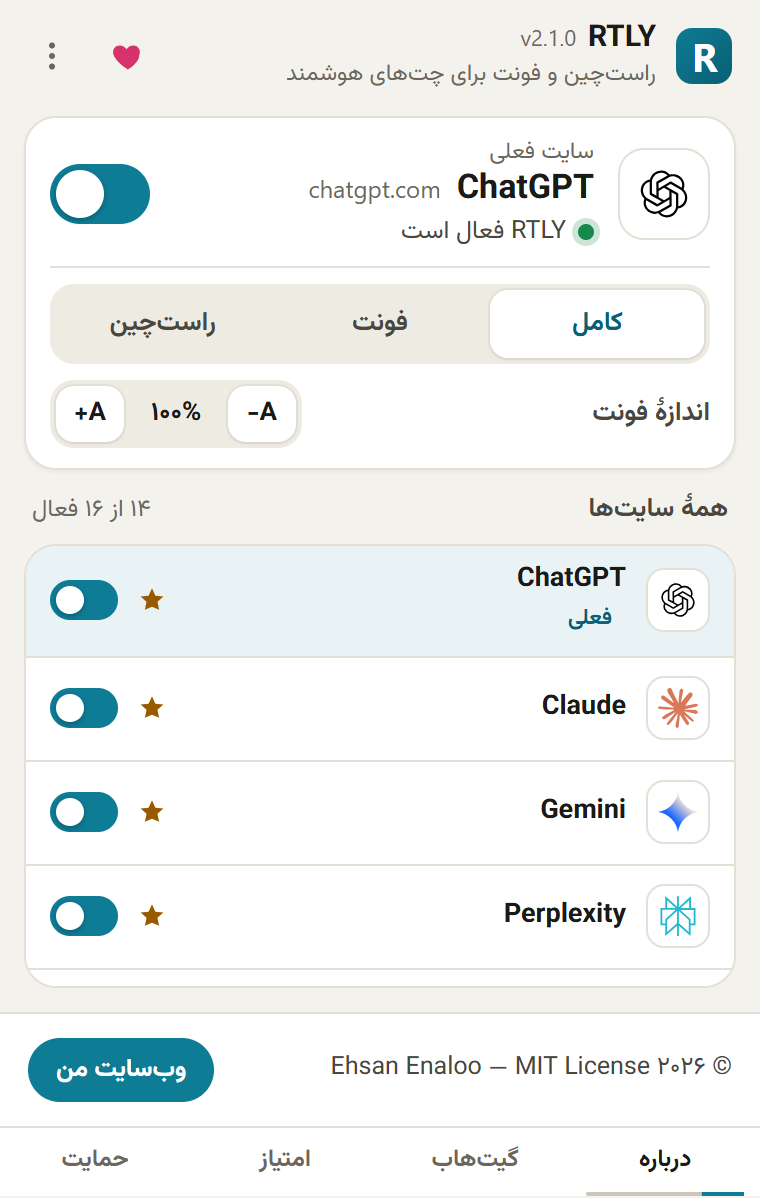
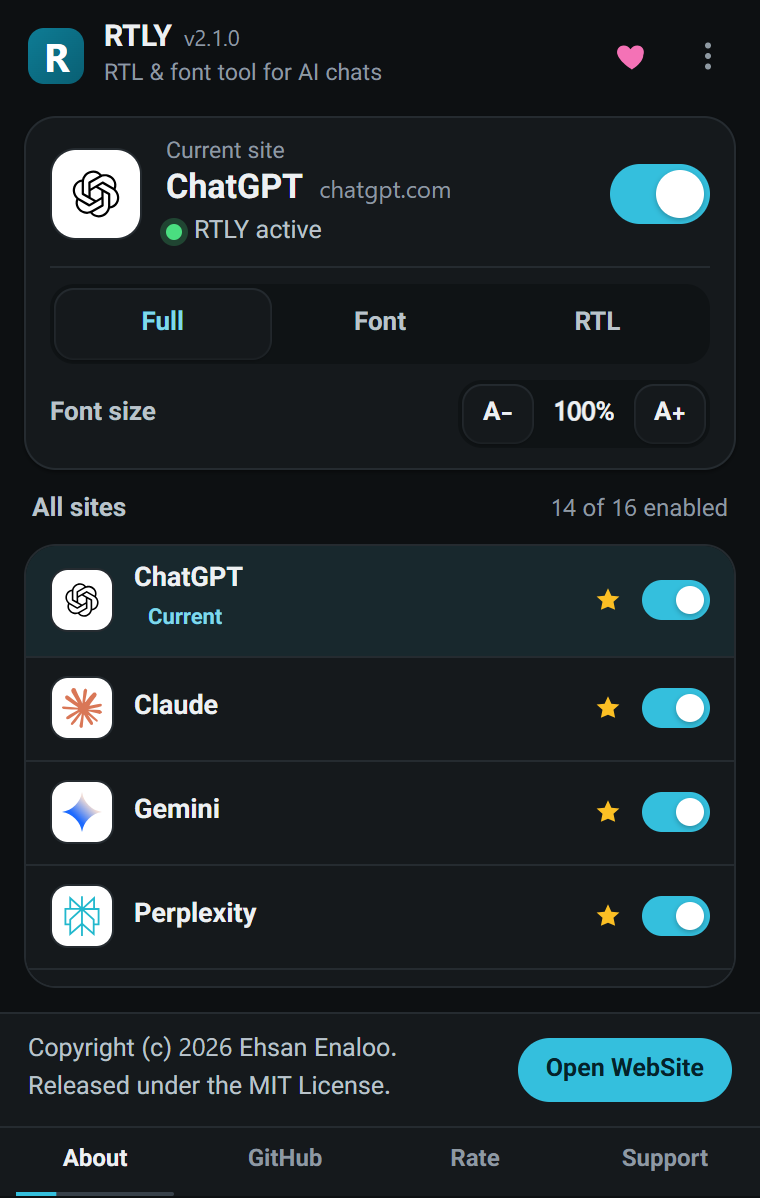
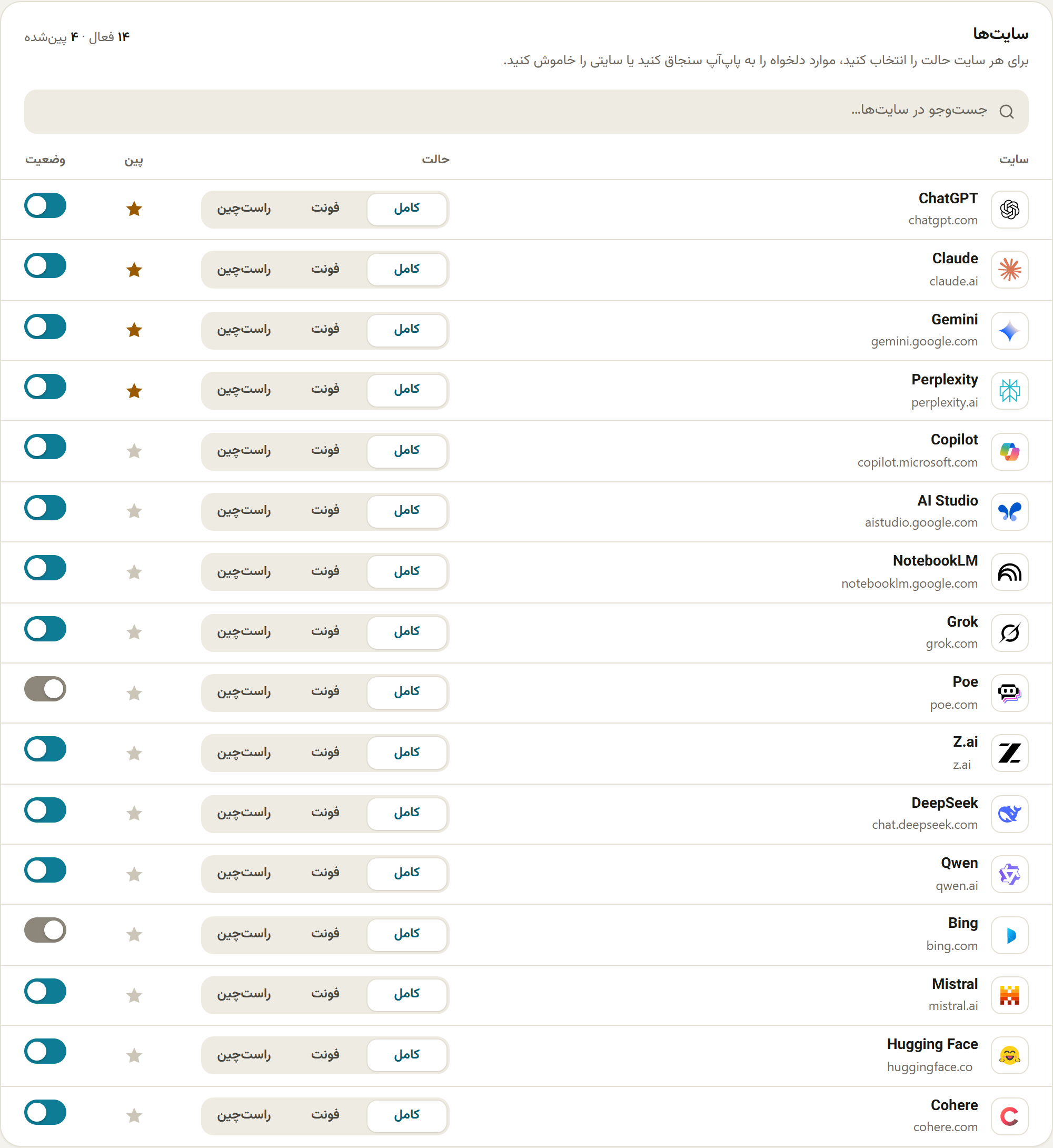
- Three modes for each siteFont and direction, font only, or direction only.
- On or off for each siteUse the switch, or press Alt+Shift+R.
- Text sizeScale the chat text from 85% to 120%.
See it in action
Keep it within reach
- Chrome: Click the puzzle icon in the toolbar, then the pin next to RTLY.
- Edge: Click the puzzle icon in the toolbar, then the eye icon next to RTLY to show it in the toolbar.
- Firefox: Click the puzzle icon in the toolbar, then the gear next to RTLY and choose Pin to Toolbar.
Questions or problems
The first way to report a bug or share an idea is a GitHub issue. No GitHub account? Use the form on this site. I read every message.
Learn more
Short guides for the main features.
- The popupThe popup is the fast way to switch a site on or off, change its mode and change the text size.
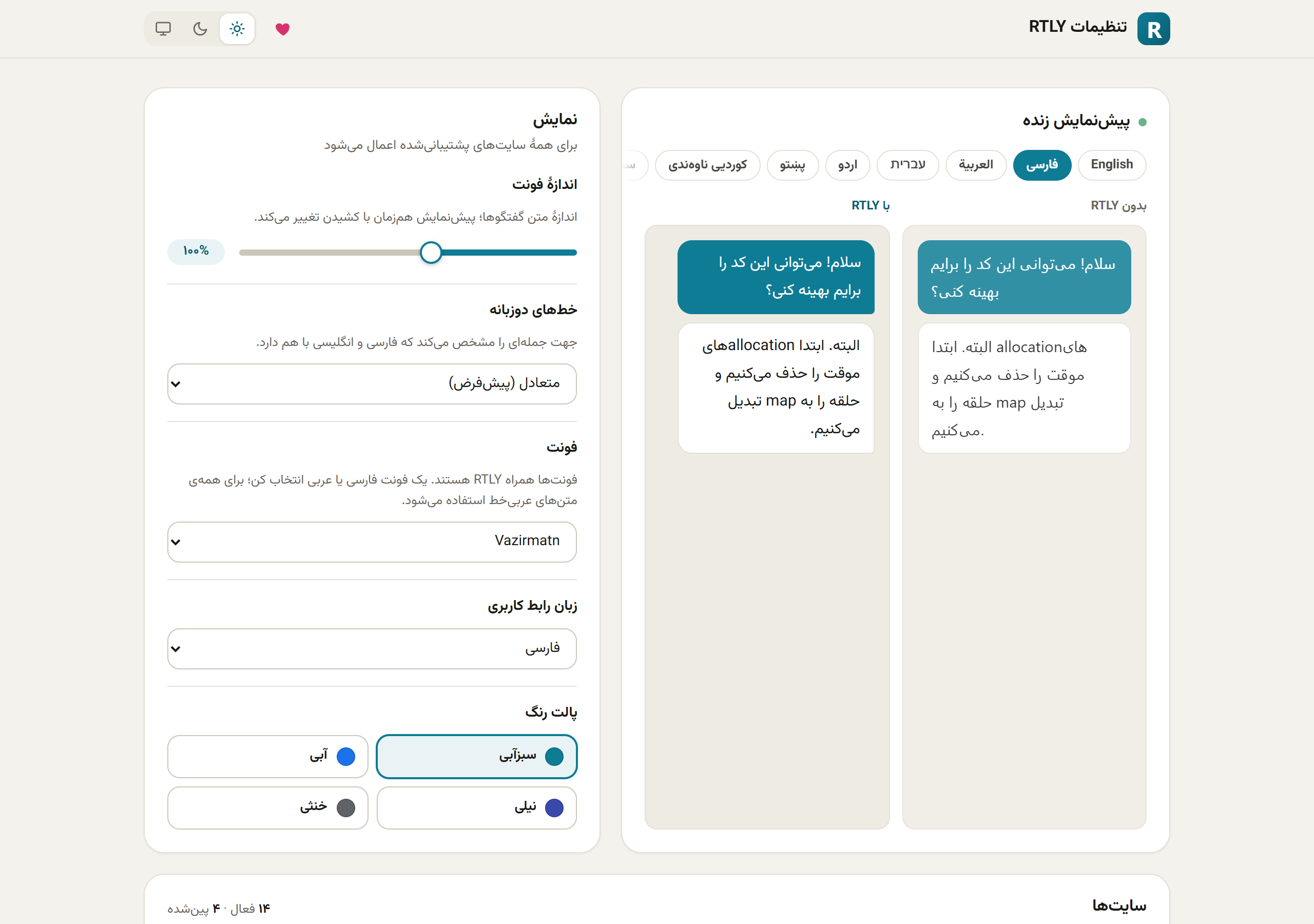
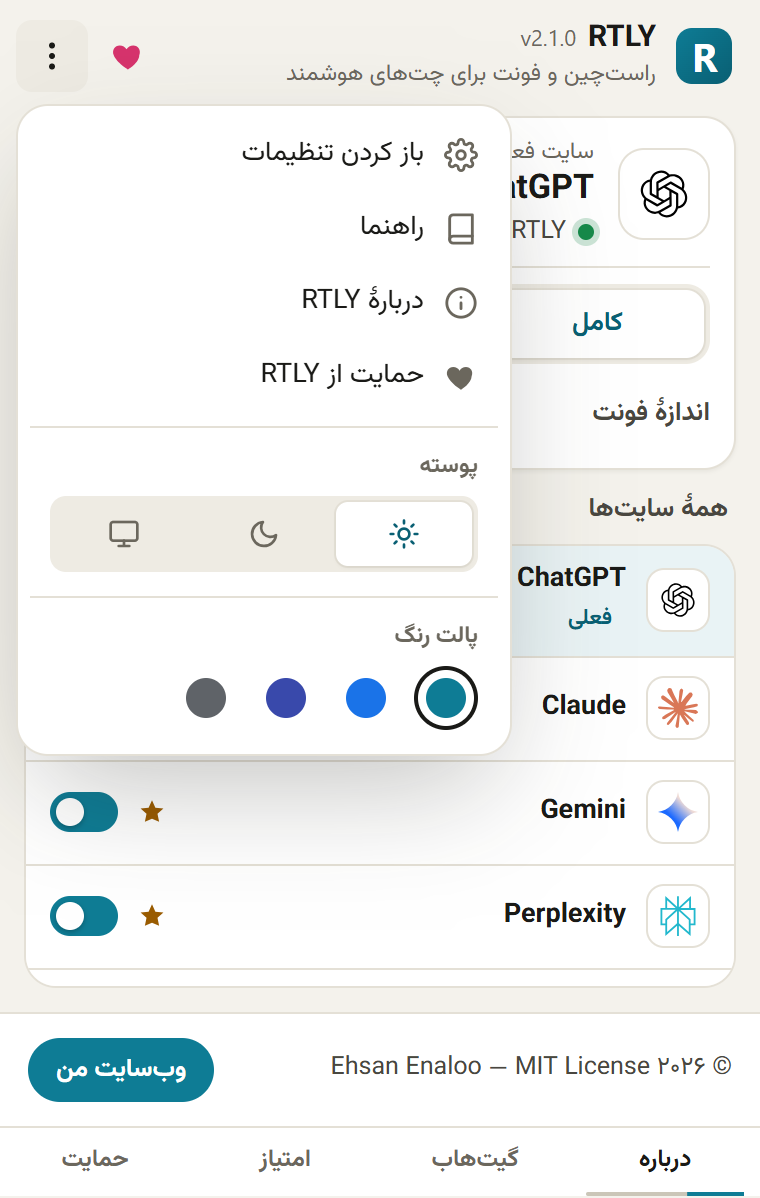
- The settings pageThe settings page shows a live before and after preview and holds the options that are not in the popup: the interface language, the color palette and the full sites table.
- Modes and directionRTLY decides direction one block of text at a time, from the letters in it. This page explains the rule, the three modes and the things RTLY deliberately does not touch.
- Shortcut and right-click menuTwo quick ways to switch RTLY on or off for the site you are on, without opening the popup.
- Supported sitesRTLY works on 16 AI chat sites and does nothing anywhere else.
- Languages and appearanceRTLY's popup and settings page come in 15 languages, two themes and four color palettes. This page also says which translations are not finished.
This page has no form, no cookies and no tracking. Opening it adds one to a daily count of installs, with no address and no identifier. It loads no third-party script. The optional chat button sends nothing until you ask a question. Privacy policy