On this page
See it in action
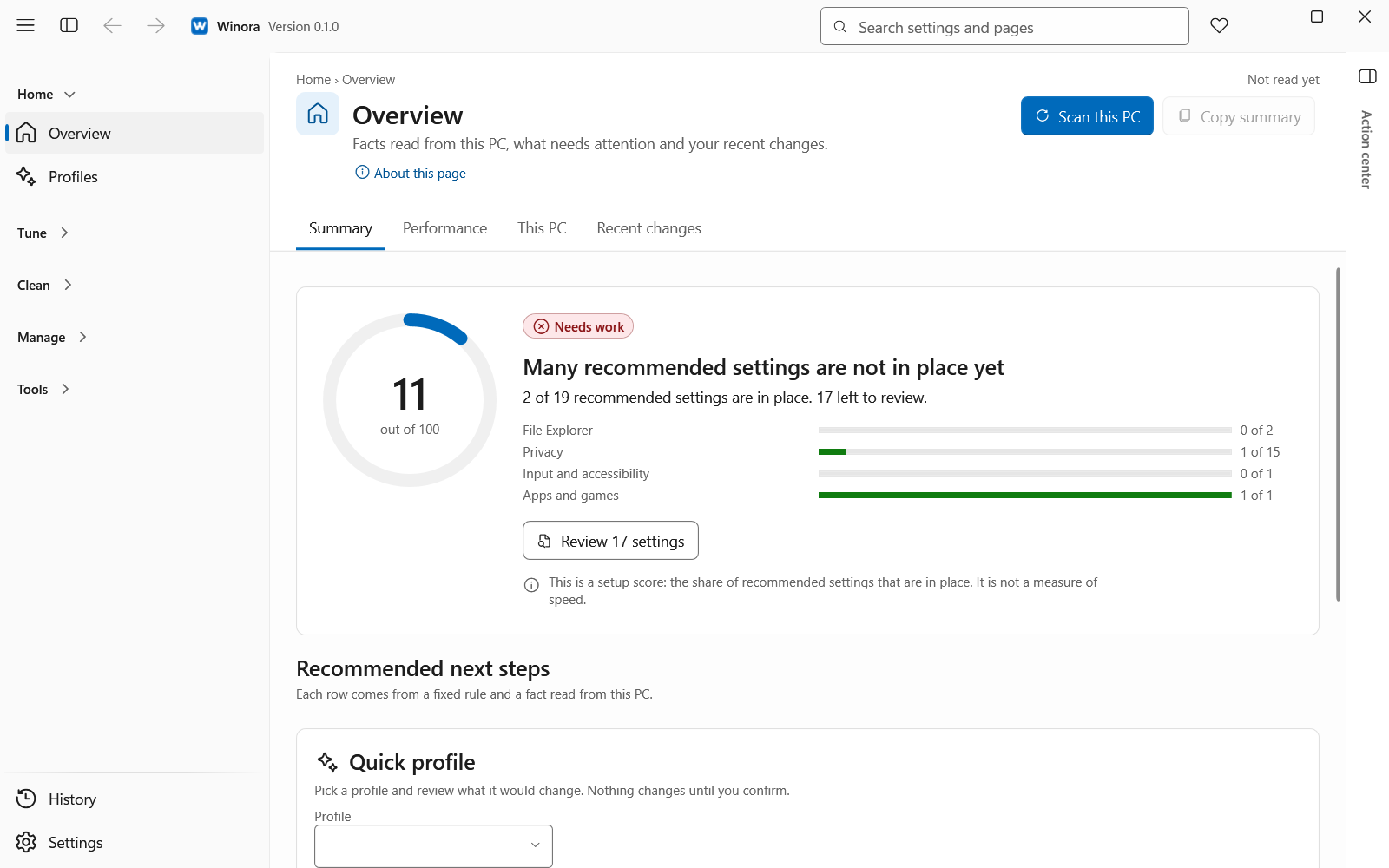
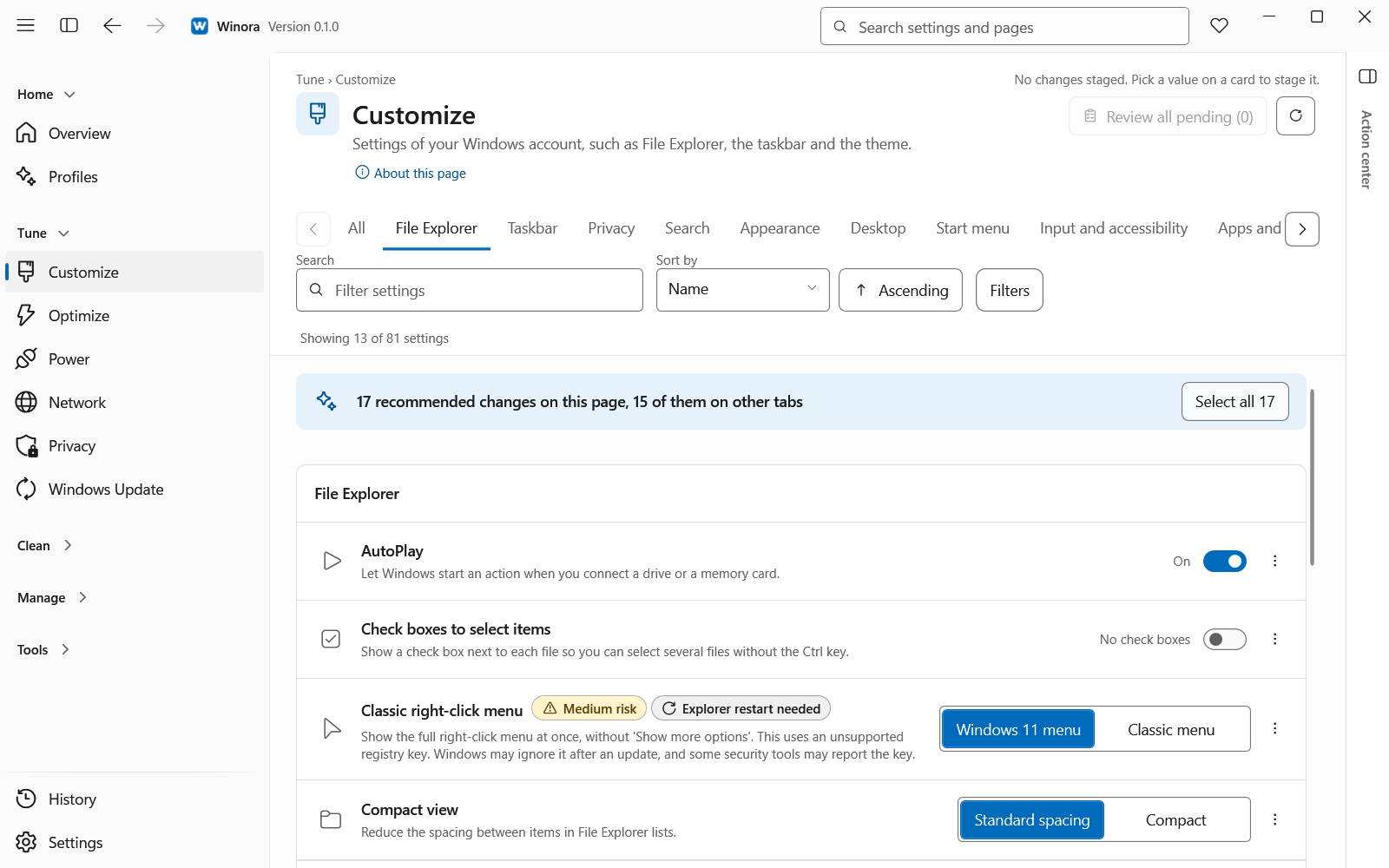
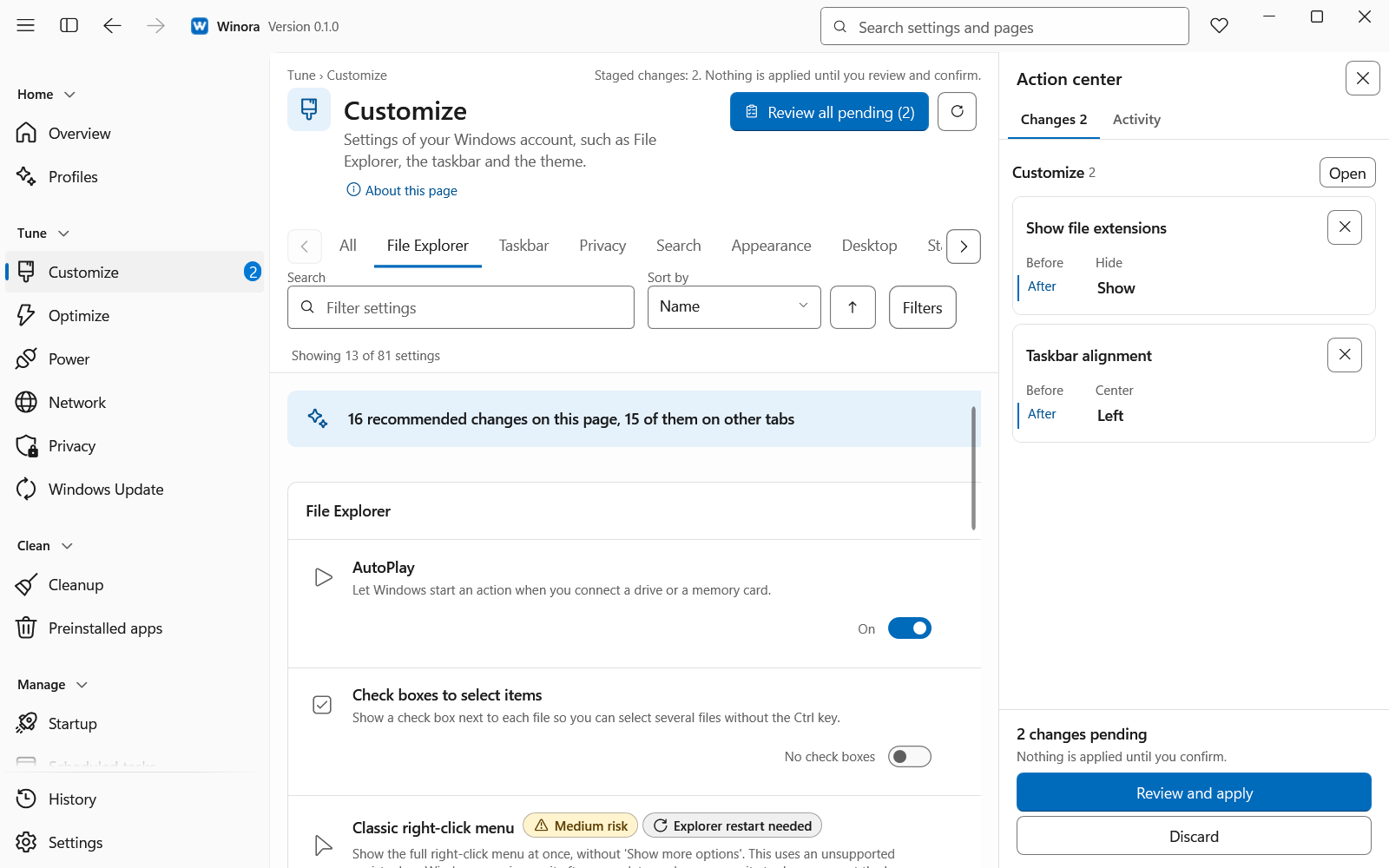
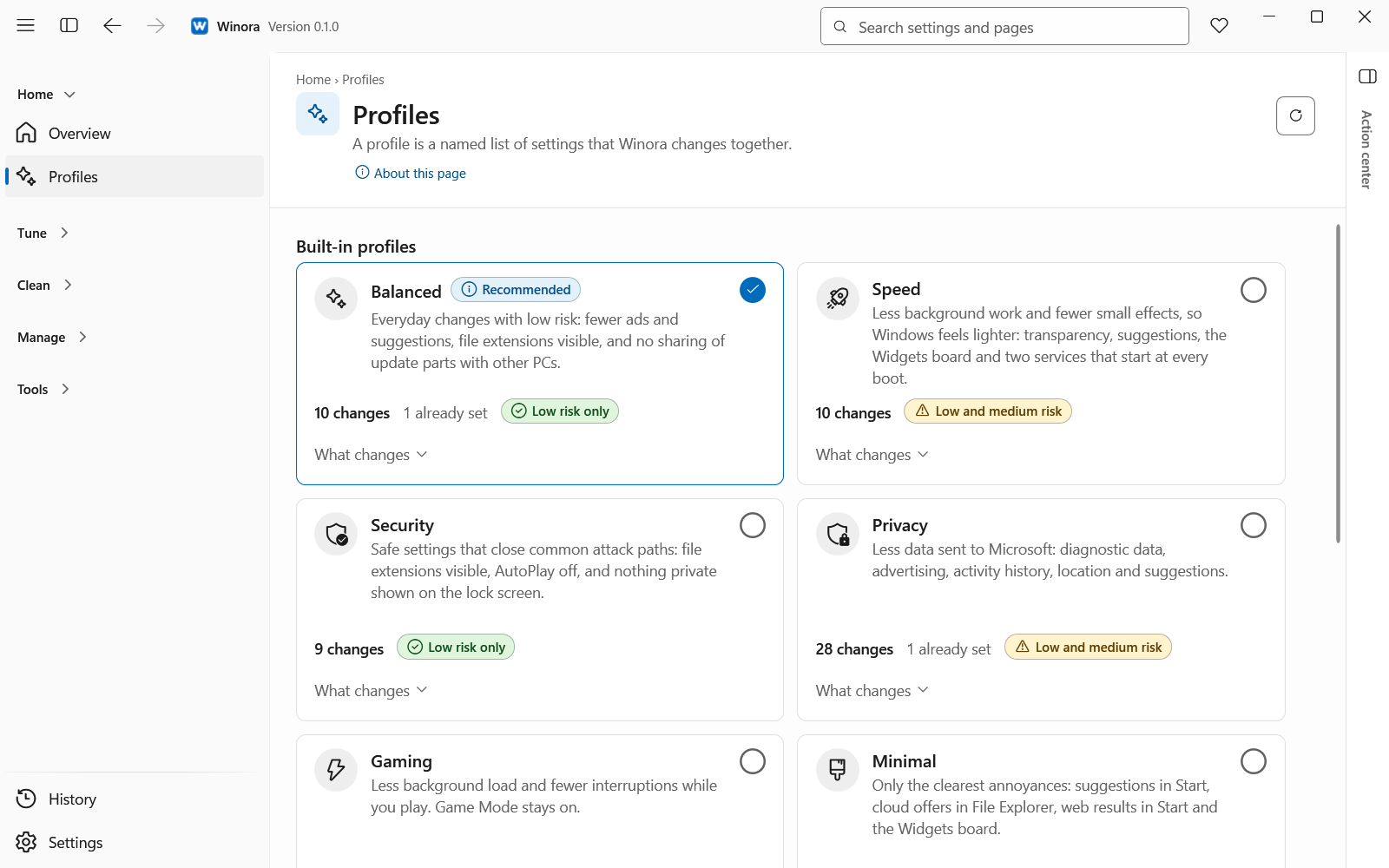
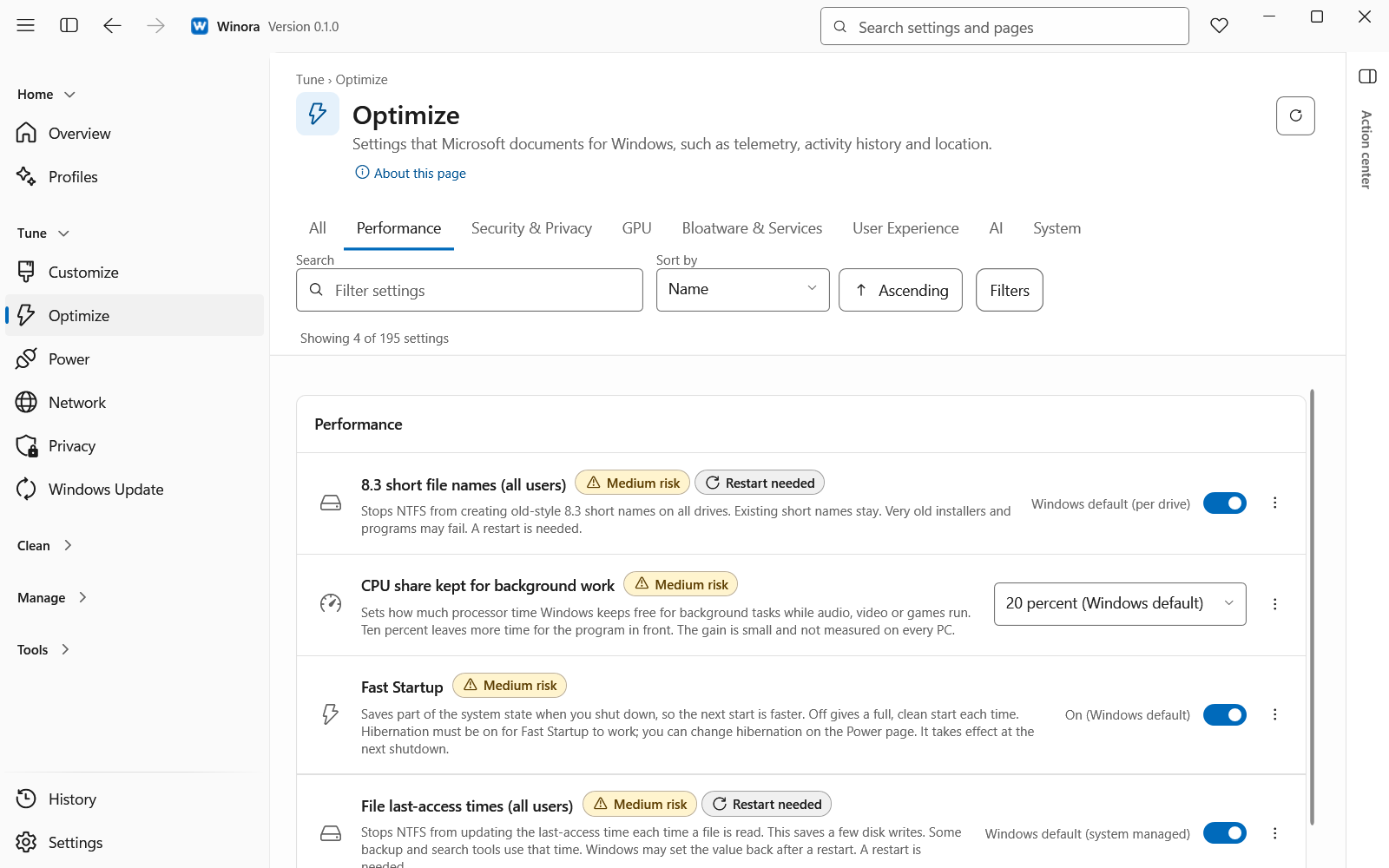
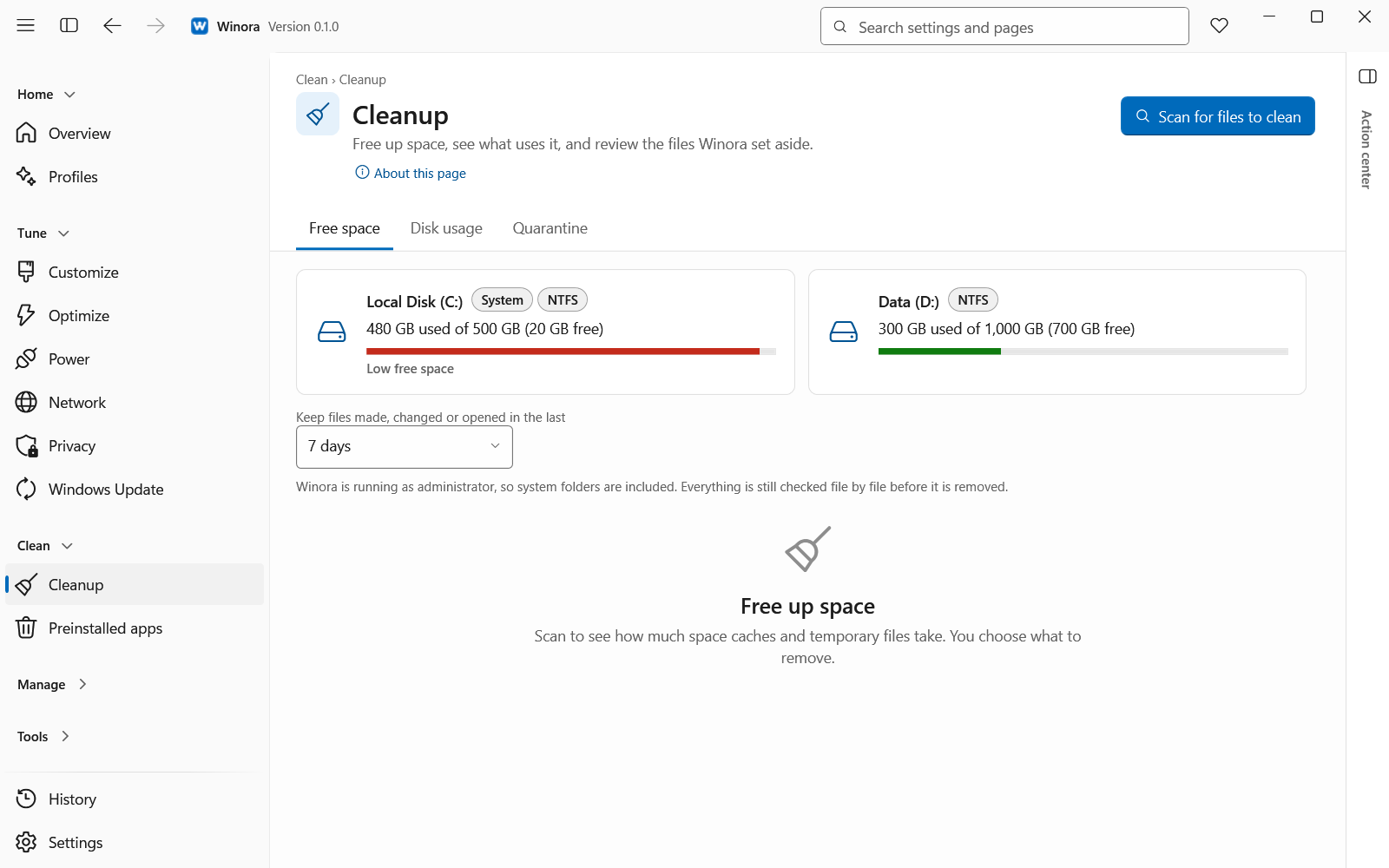
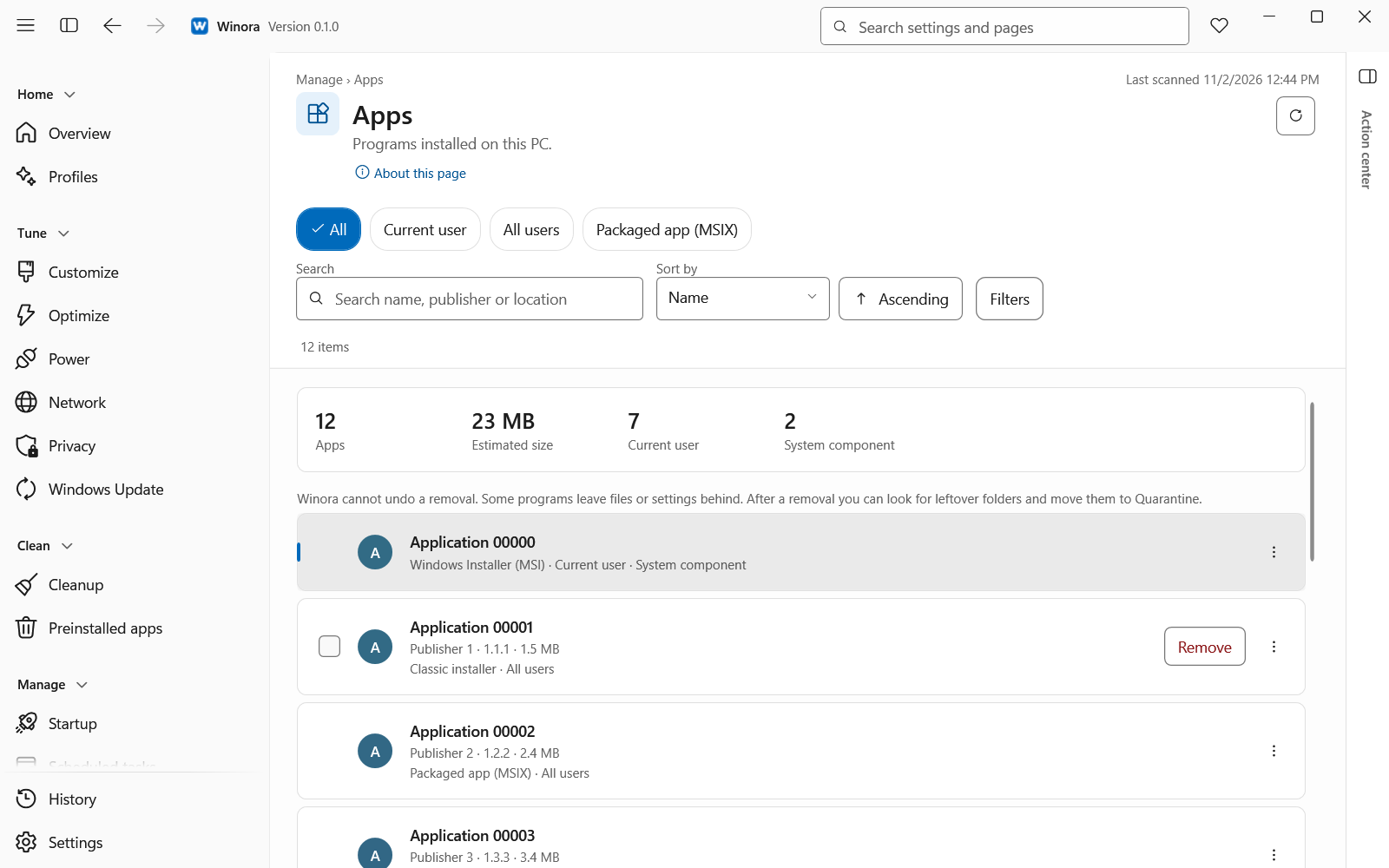
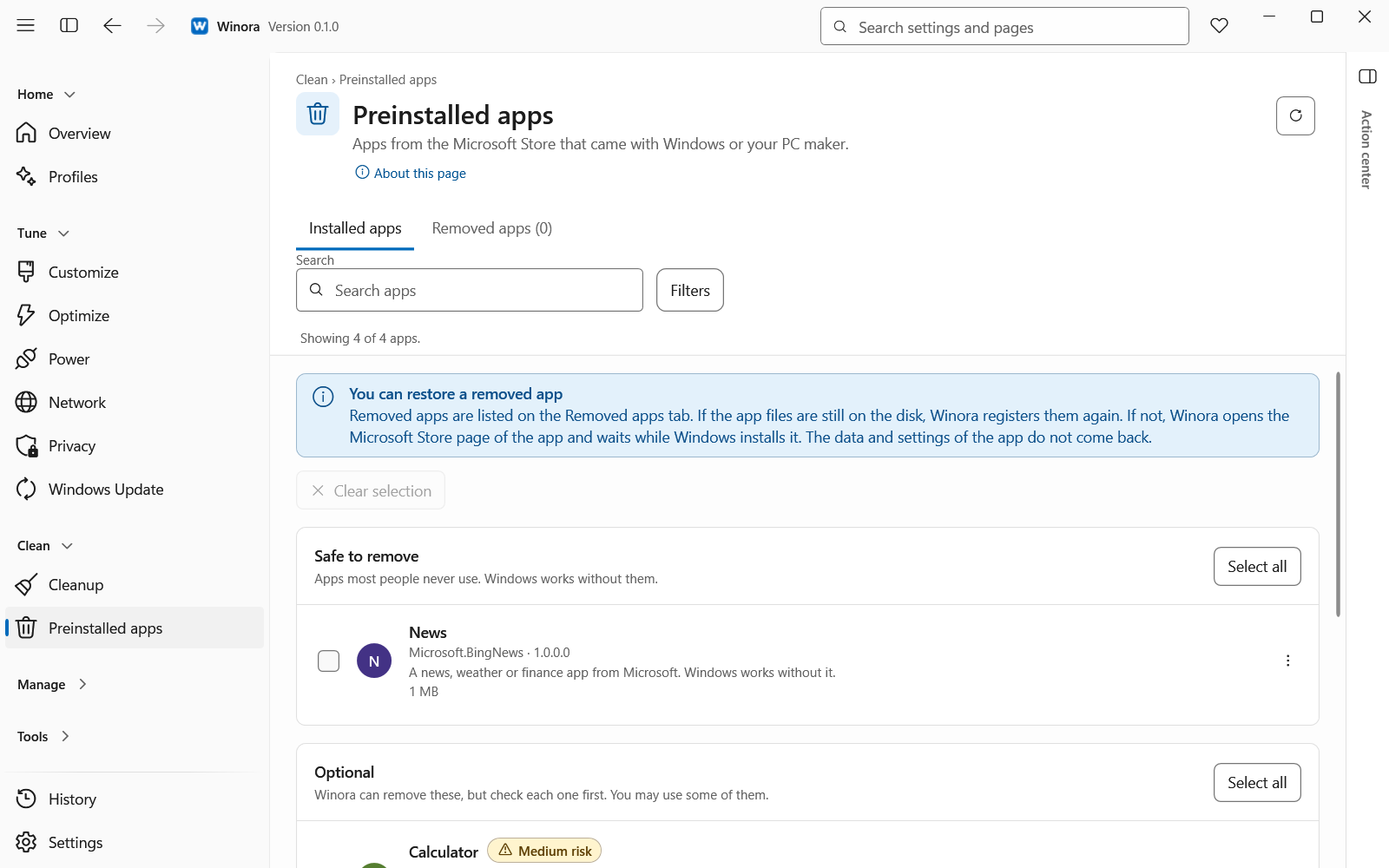
What it does
- Settings in one place. Customize, Optimize and Privacy cover File Explorer, the taskbar, Start, performance and privacy. Each setting shows its risk level.
- A review before every change. You see the value now and the value after. Nothing changes until you confirm.
- Undo from History. Every change Winora made is listed in History, and Undo puts the old value back.
- Profiles. Balanced, Speed, Security, Privacy, Gaming and Minimal. You see the full plan and confirm it once.
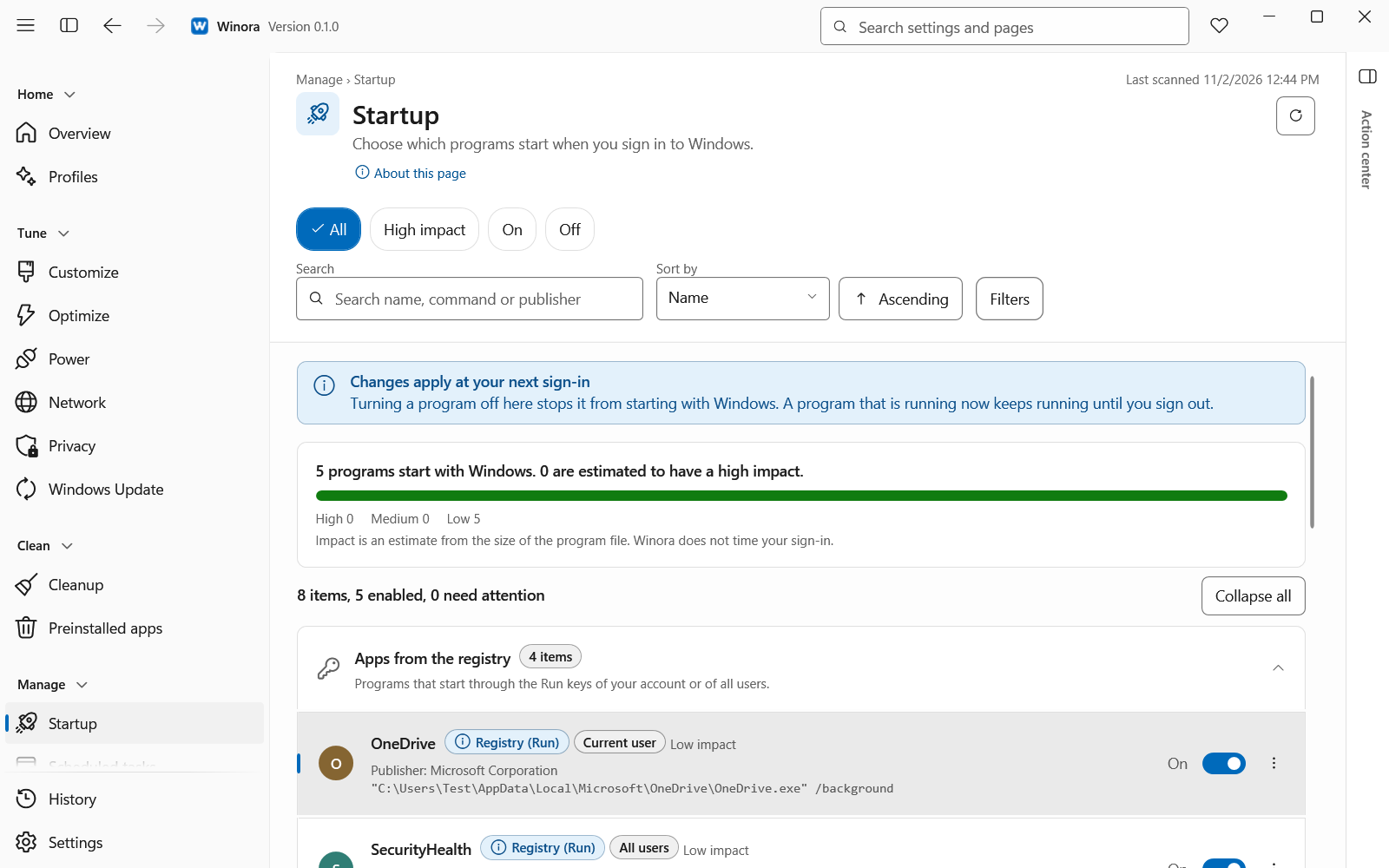
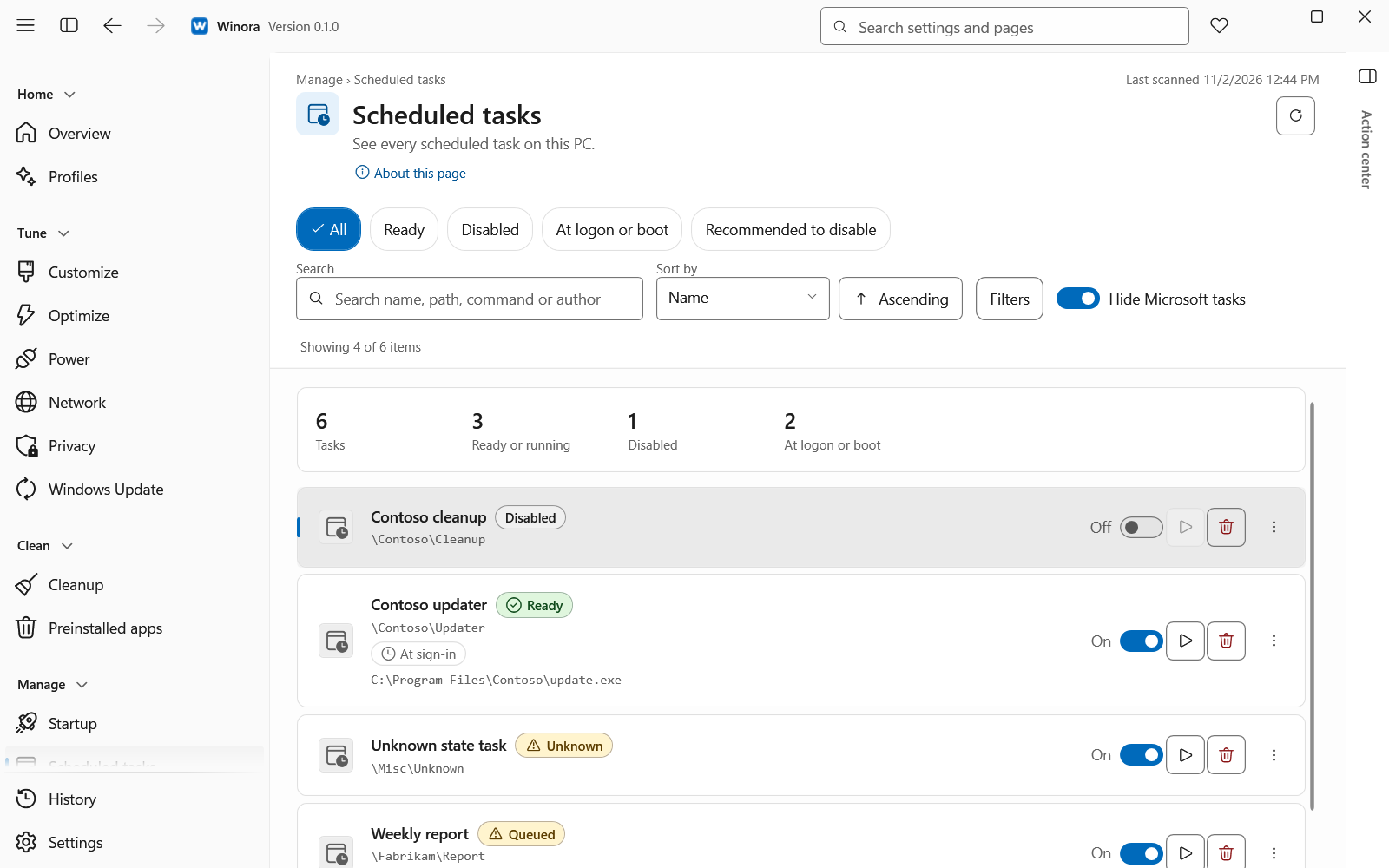
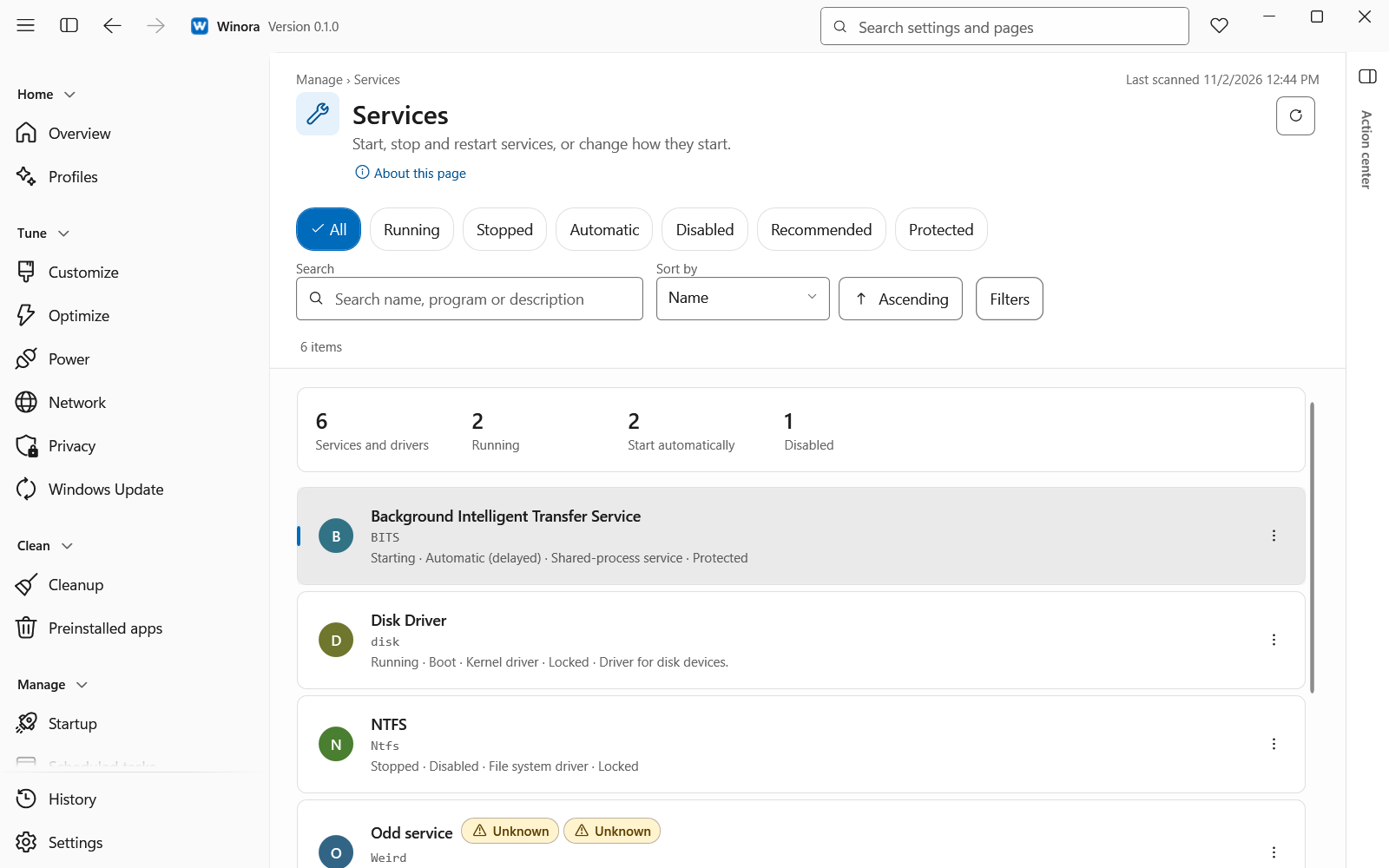
- Startup, tasks and services. Turn startup programs, scheduled tasks and services on or off.
- Apps and cleanup. Remove preinstalled apps and programs, free up space and see what fills your drive.
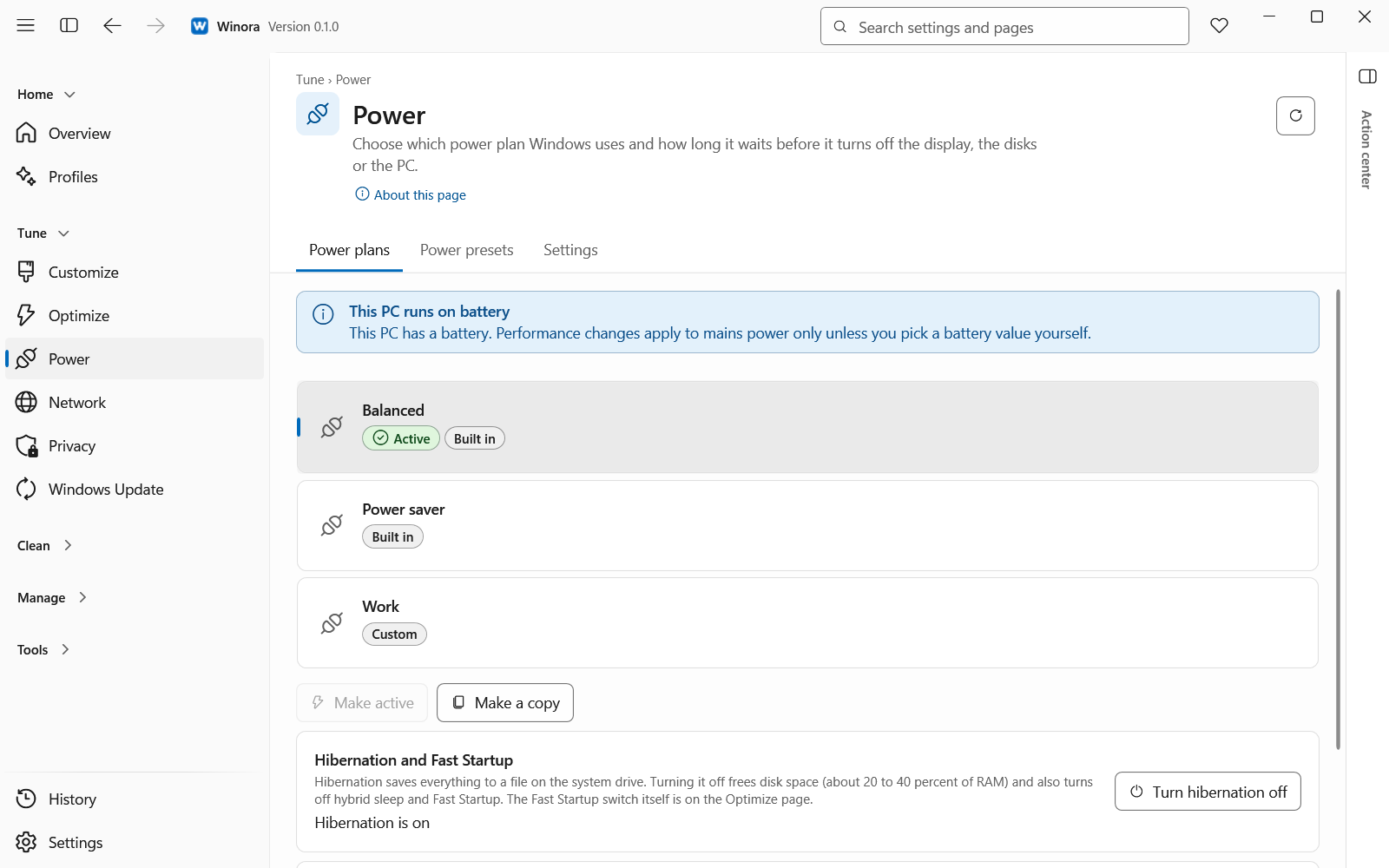
- Power, network and updates. Power plans, DNS and how Windows Update installs updates.
- English and Persian. Light and dark themes and a full right-to-left layout.
Privacy and data
| What | How |
|---|---|
| network | Winora sends nothing over the network. There is no account, no telemetry, no ads and no auto-update. |
| stored | Your history and preferences stay on your PC, in %LOCALAPPDATA%\Winora and %ProgramData%\Winora. |
| rights | Winora runs as administrator, because it changes settings for the whole PC, services, scheduled tasks and installed programs. |
| diagnostics | A diagnostics file is made only when you choose Export diagnostics in Settings, and it is saved in a folder you pick. |
| full policy | Read the privacy policy of Winora |
Guides
Learn Winora
A quick start, a tour and step by step guides.
Feedback
Found a bug or have an idea? Tell me here. I read every message.
Thank you, I got your message
I will answer by email.