Right to left

RTLY

Shows Persian, Arabic, Hebrew, Urdu and other right to left text correctly on AI chat sites. Mixed language messages keep a sensible direction.

On this page

See it in action
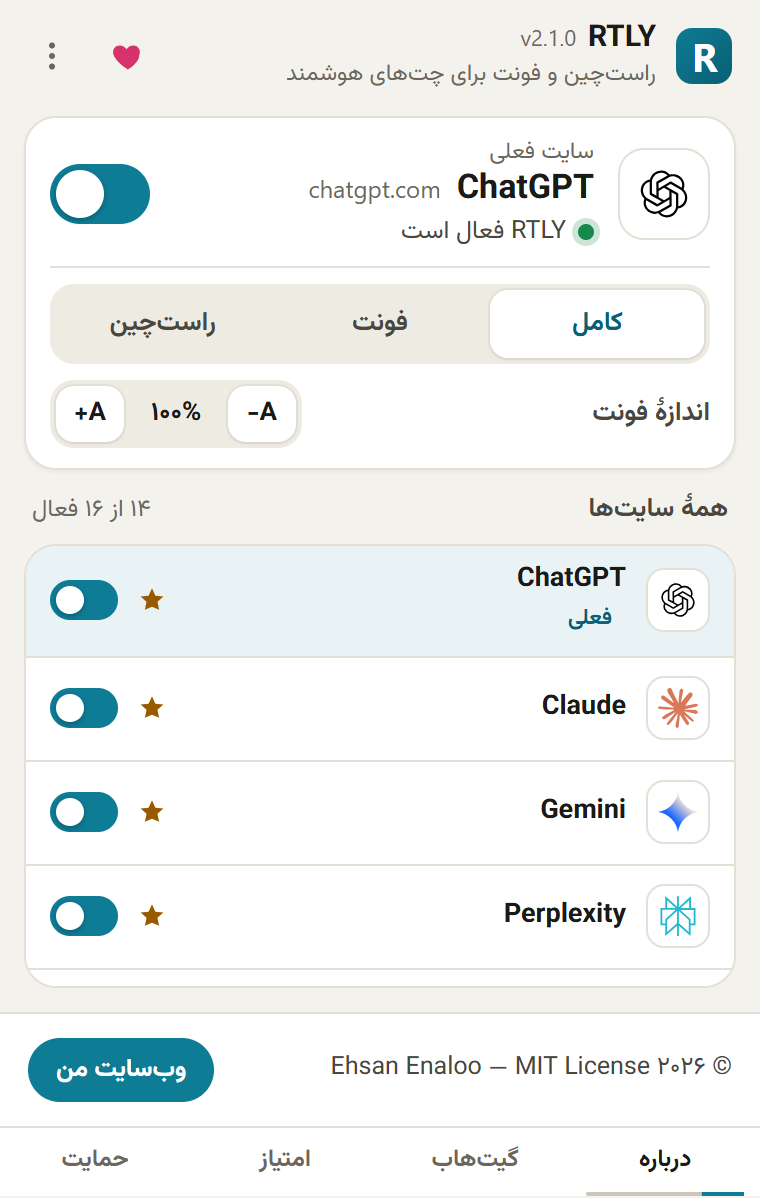
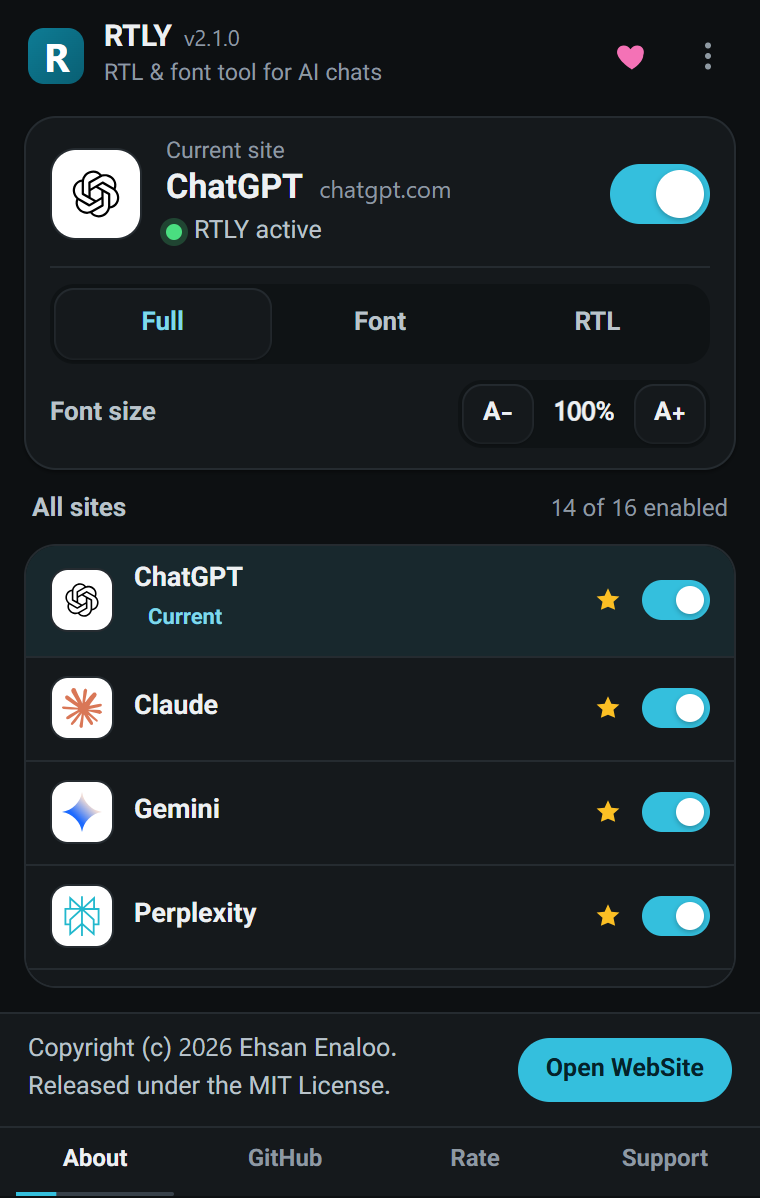
The RTLY popup on a supported site: the current site card with an on/off switch, the mode selector and the font size, and the list of all sites belowThe RTLY popup on a supported site: the current site card with an on/off switch, the mode selector and the font size, and the list of all sites below
The RTLY popup on a supported site: the current site card with an on/off switch, the mode selector and the font size, and the list of all sites below
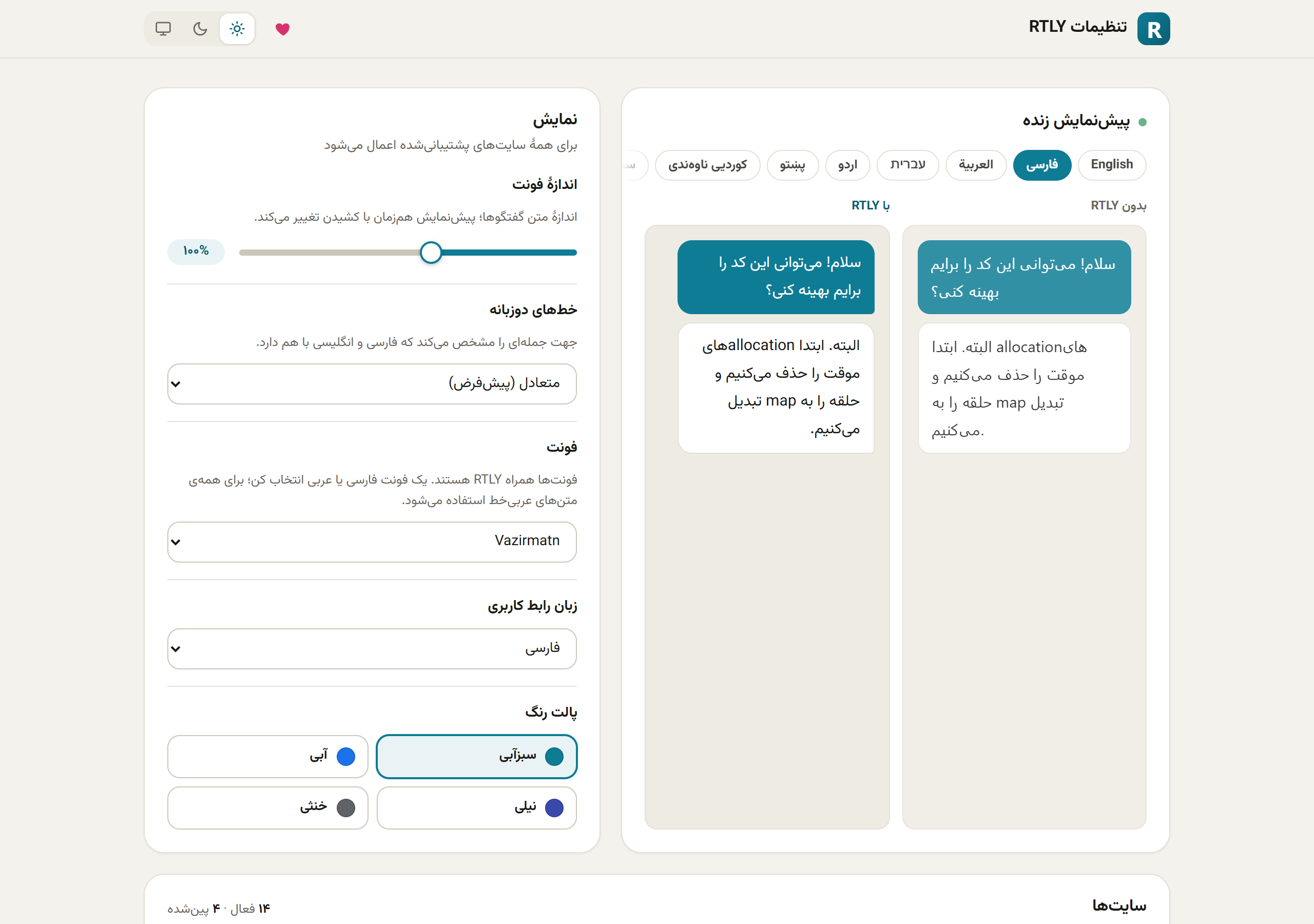
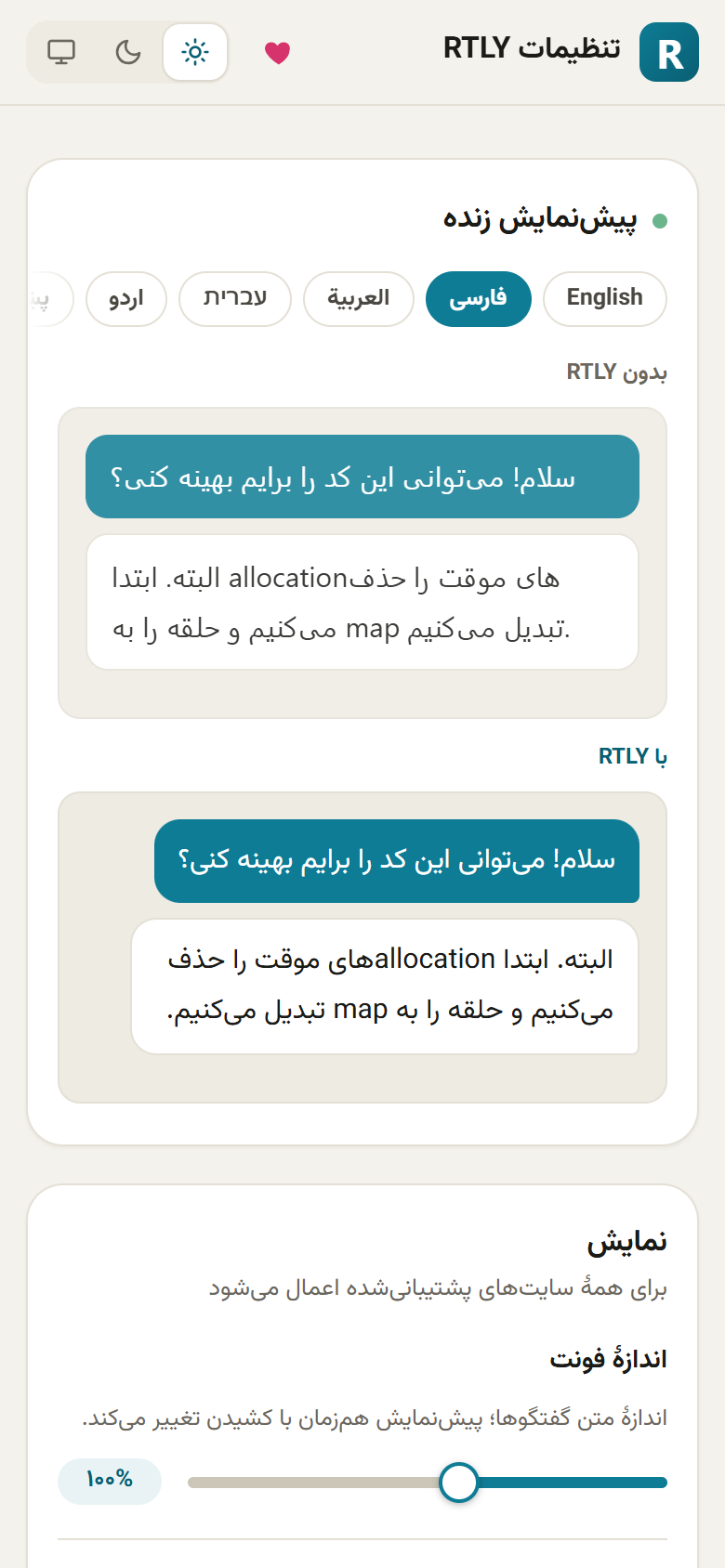
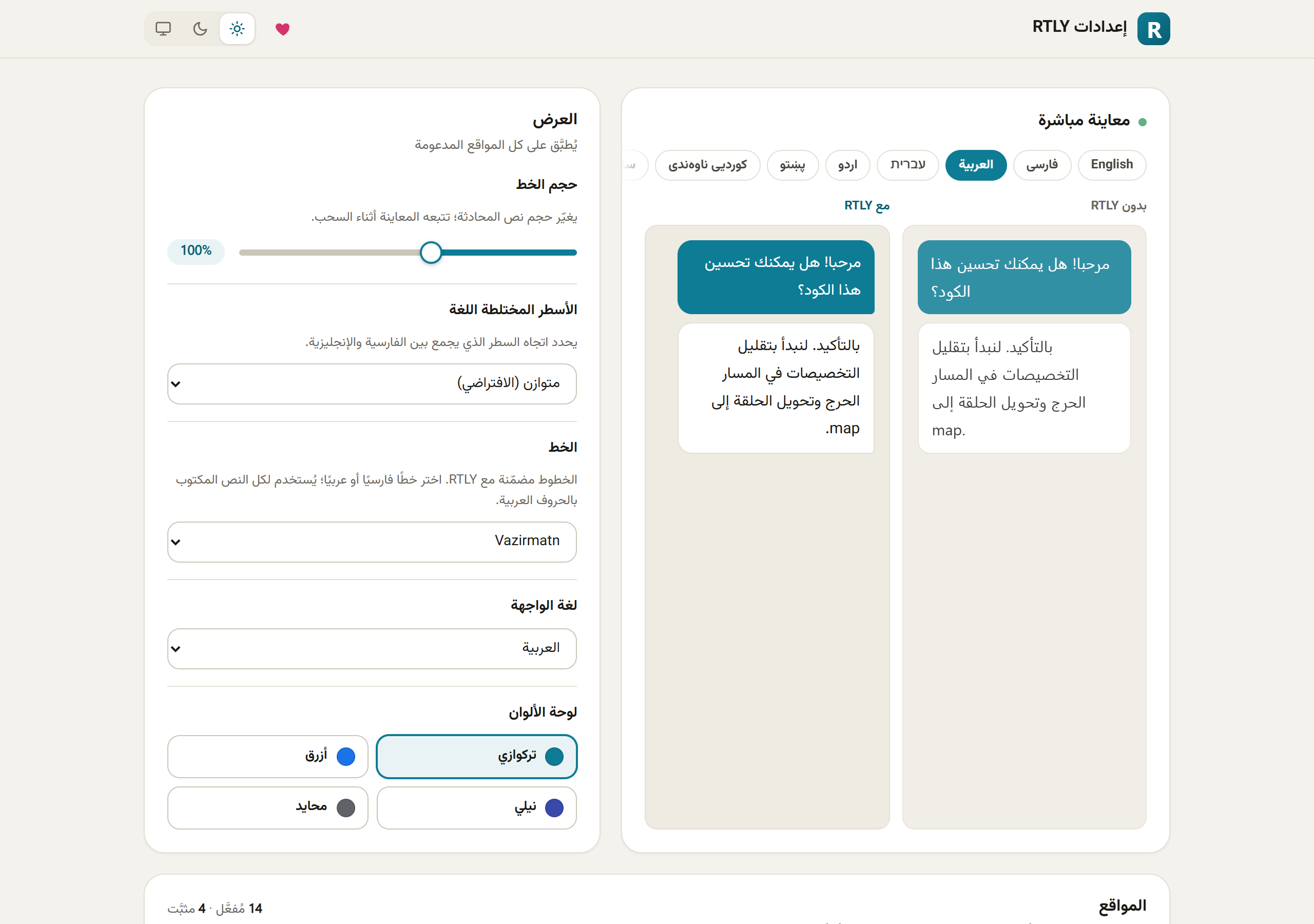
The RTLY settings page with the live preview at the top, then the display card and the sites tableThe RTLY settings page with the live preview at the top, then the display card and the sites table
The RTLY settings page with the live preview at the top, then the display card and the sites table
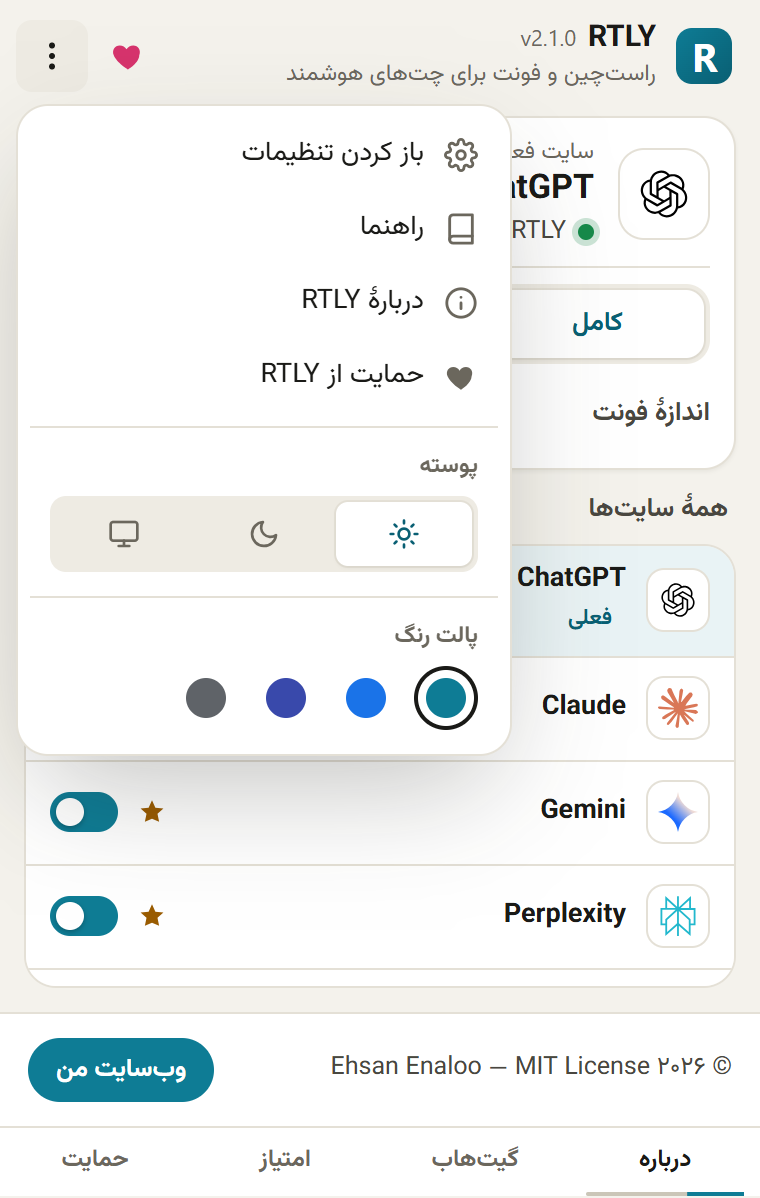
The popup menu with Open settings, Help guide, About RTLY, Support RTLY, the theme choice and the color palette
The popup in English with the dark theme
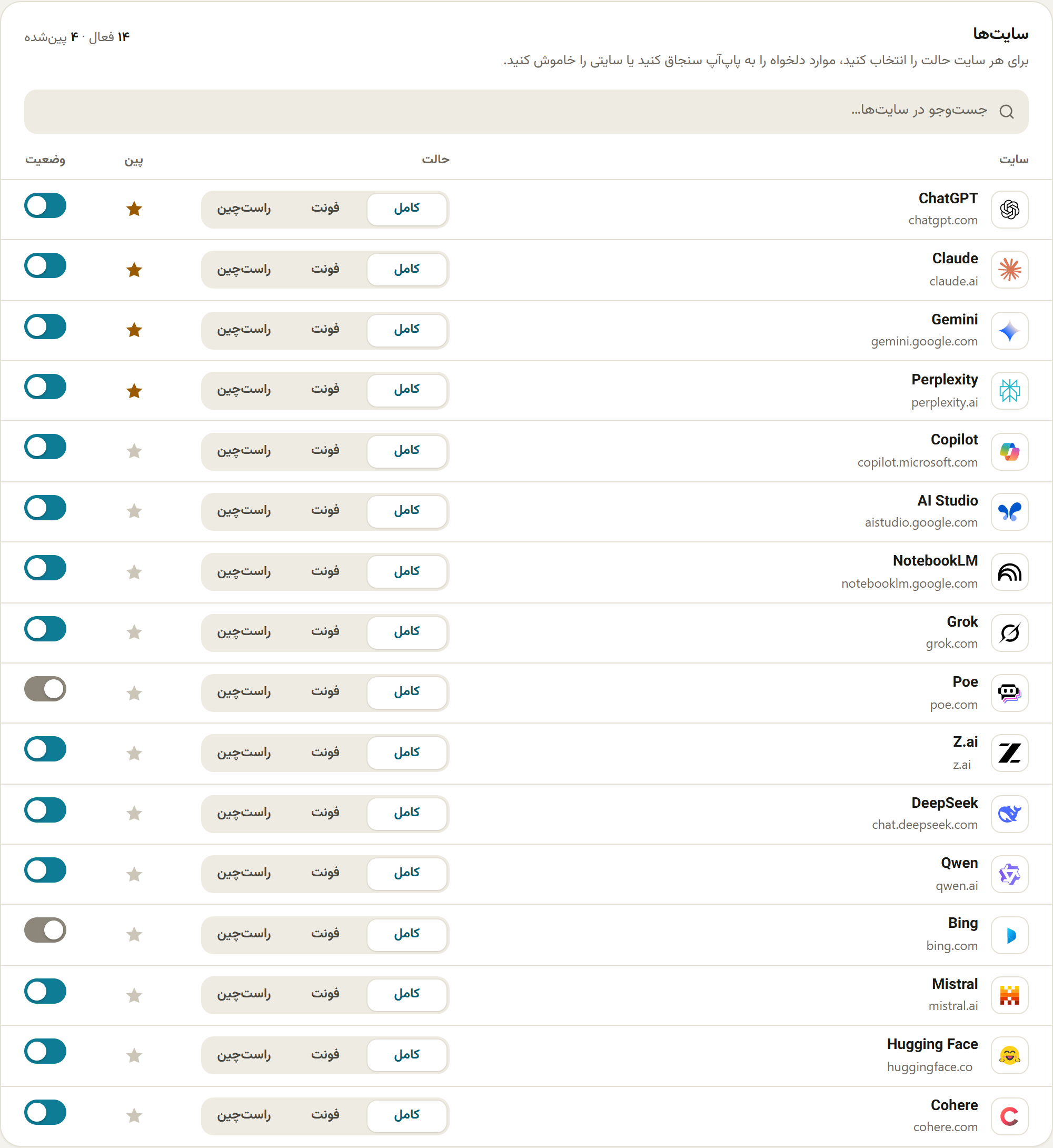
The sites table with the 16 supported sites, their mode buttons, pin stars and switches
The settings page in a narrow window
The interface language list on the settings page

What it does

  • Direction for each message. RTLY reads the script of a message and sets its direction. In a mixed language sentence, the main language decides.
  • A Persian font where it is needed. The bundled font applies only to text with Arabic script letters.
  • Three modes for each site. Font and direction, font only, or direction only.
  • On or off for each site. Use the switch, or press Alt+Shift+R.
  • Text size. Scale the chat text from 85% to 120%.

Privacy and data

WhatHow
serverNone. RTLY makes no network requests. It sends no data to me or to anyone else.
accountNone. There is no sign in, no analytics, no ads and no tracking.
web pagesRTLY runs only on the supported AI chat sites. It reads the text in memory to choose a direction. It does not save it, copy it or send it.
storedA few settings stay in your browser: site switches, modes, font size, theme and language. Removing the extension removes them.
permissionsAccess to the supported sites, storage for the settings, and contextMenus for the right click item.
full policyRead the privacy policy of RTLY

Guides

Feedback

Found a bug or have an idea? Tell me here. I read every message.

What do you want to send?

A short example that shows the problem helps most. Do not paste passwords, keys or personal data. Remove them from logs and screenshots first.

I use it only to answer this message.

Have an account? Sign in to follow the status of your reports.